
GTA VI · Guide
GTA 6 Best Settings: What to Change Before You Play
GTA 6 has no difficulty slider and targets 30fps, but its menu runs deep. Motion blur, aim assist, classic controls, Dynamic HUD: what to change first.
Contents
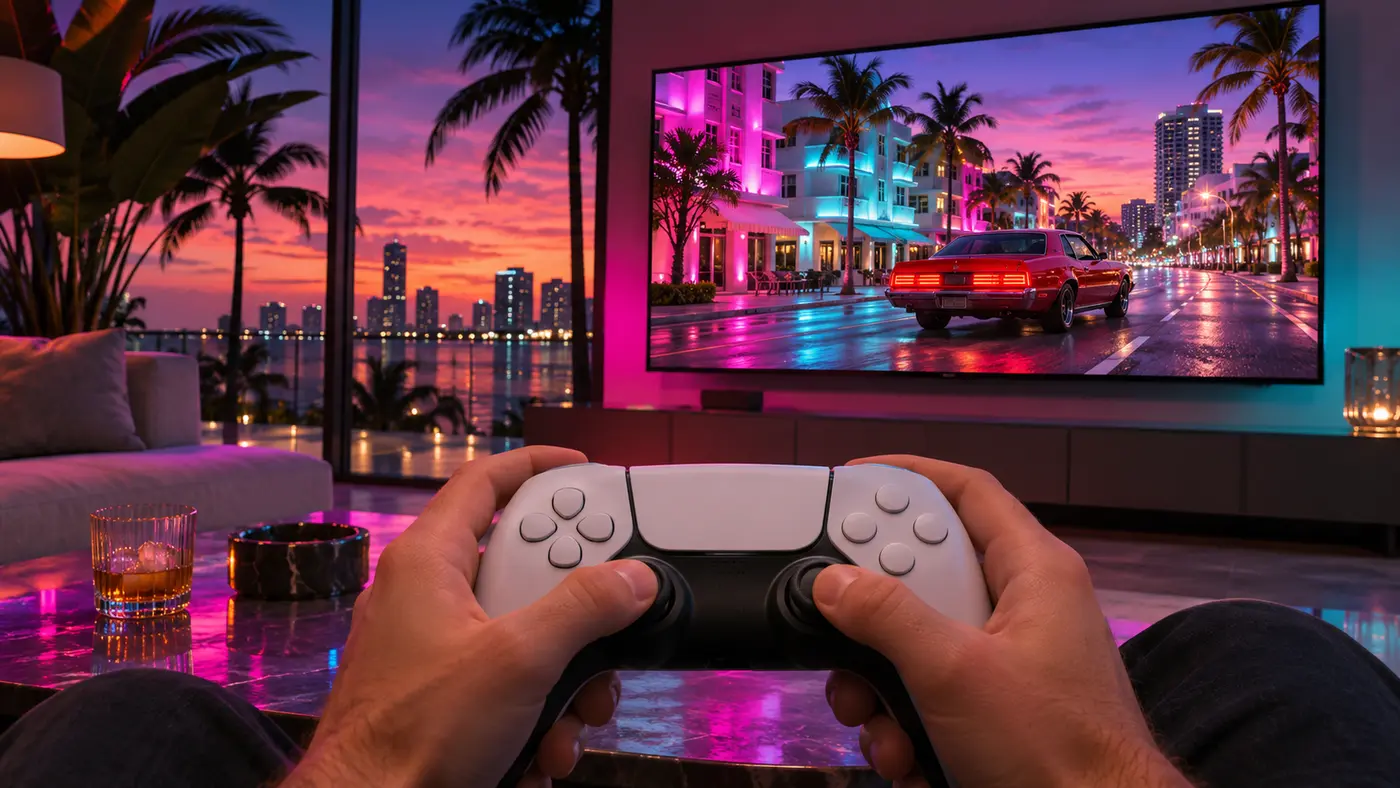
The first thing GTA 6 asks you to do is check your settings, and it means it. Grand Theft Auto VI has no difficulty slider, and Rockstar targets 30 frames per second on current consoles, PS5 Pro included, with no frame-rate option announced. What it does have is a deep options menu, split into tabs like Gameplay, Control Scheme, Controller, Camera, Display and UI. Here’s what to change before your first mission, and why.
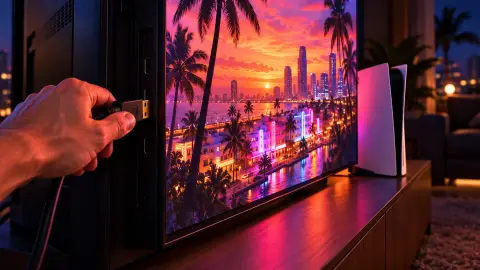
Your console and TV come first: rest mode, VRR, HDR and 3D Audio are covered in our PS5 and Xbox settings guide. This page is the in-game menu.
The quick list
| Setting | Our pick | Why |
|---|---|---|
| Motion Blur Strength (Display tab) | 0, or low | Sharper image when you drive fast or swing the camera |
| Camera shake | Off or low | Less smear, easier on motion sickness |
| Crash and kill cinematics | Down | Fewer cutaways mid-chase; crank to 5 if you love them |
| Targeting mode (Gameplay > Combat) | Lock-On or Free Aim | The biggest single change to how gunfights feel |
| Aim Assist Strength | 3 casual, 0 hardcore | Scale runs from 0 to 5 |
| Control scheme | Classic if GTA 5 is in your hands | Sprint back on Cross/A |
| Dynamic HUD | Your call | Hides minimap, cash and health bars by default |
| GPS voice | On | Off by default |
| Projectile Arc | On | Shows where a grenade will land |
| Licensed music | Muted if you stream | Avoids copyright strikes |
Motion blur and camera shake first
Motion blur is a strength slider, not a toggle: open Settings > Display > Motion Blur Strength and pull it to zero. GTA 6 already leans hard on depth of field, and stacked with heavy blur, Vice City at speed turns to smear. At 30fps, a low setting is a fair compromise: camera pans stay smooth without losing the detail.
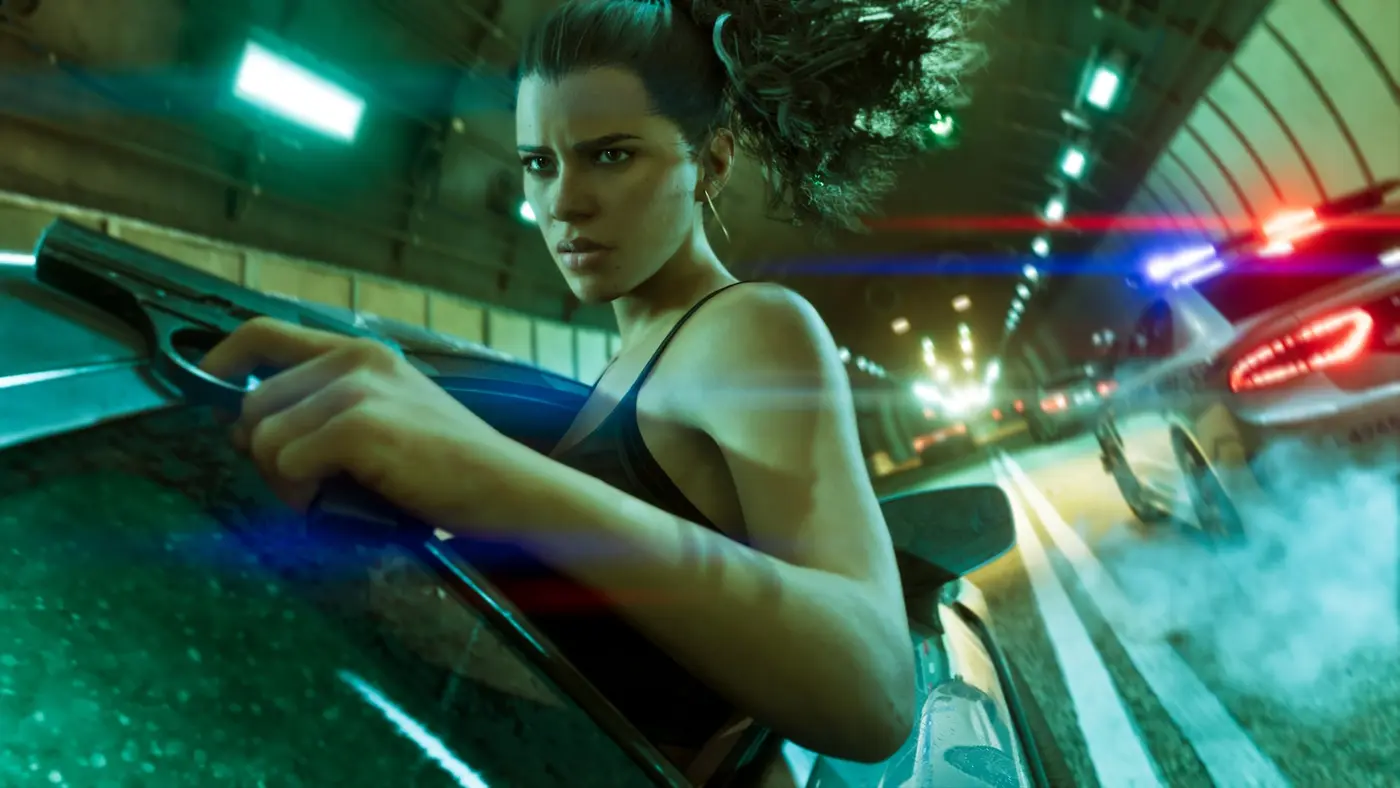
Then move to the camera options. Turn camera shake and bob down, and lower the vehicle crash and kill-shot cinematics. They run on a scale you can also push to 5 if you want the full Hollywood treatment. Players prone to motion sickness should do all three before the first chase.
Aim assist: Lock-On, Partial or Free Aim
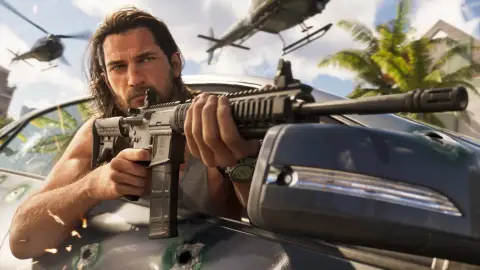
Gunplay settings live under Gameplay > Combat, the first block of options. There are three targeting modes, and the differences matter:
- Lock-On snaps to a valid target the moment you aim (L2/LT).
- Partial slows the reticle as it crosses a target, without locking.
- Free Aim gives no slowdown at all.
The catch: Shooting Assist still grabs nearby targets even in Free Aim. Turn it off for zero help.
| Option | Casual | Hardcore |
|---|---|---|
| Targeting | Lock-On | Free Aim |
| Aim Assist Strength | 3 | 0 |
| Lock-On Time | 5 | n/a |
| Lock-On Target Switch | On | n/a |
| Shooting Assist | On | Off |
| Drive-By Assist | On | Off |
| Quick Draw | On | On |
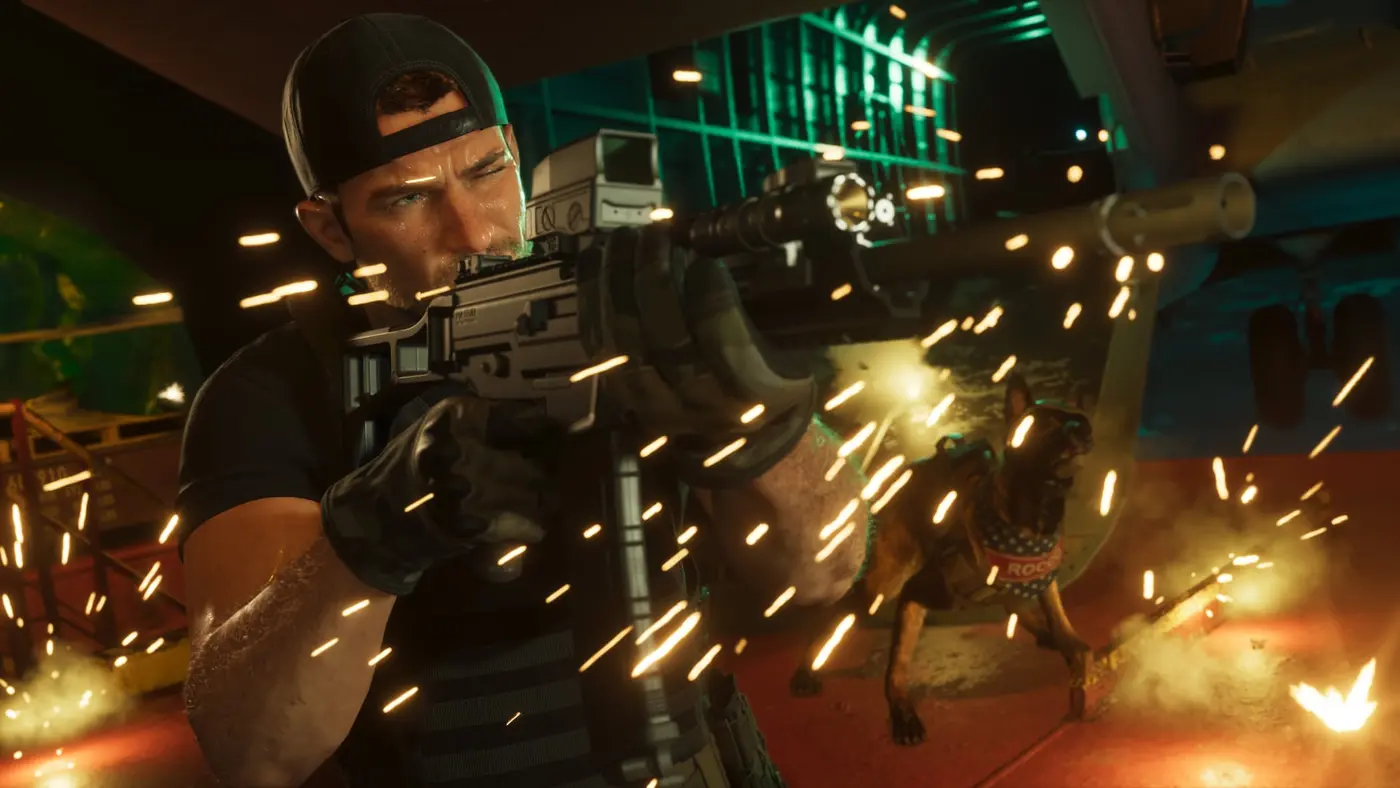
In Lock-On, Lock-On Time matters more than strength: it sets how hard the aim sticks to a moving target. Keep Quick Draw on whatever your style, or you’ll open the weapon wheel every time you want a gun. Hardcore players can go one step further with Reticle Shape: None, further down the UI tab.
Classic controls for GTA 5 muscle memory
GTA 6’s default layout moves sprint to L3/LS and puts jump on Cross/A, which trips up anyone with 13 years of GTA 5 in their thumbs. The Classic scheme restores the old map. There’s a Left-Handed scheme too, and stick sensitivity is adjustable.
| Button (PS/Xbox) | Classic scheme |
|---|---|
| Cross/A | Run/sprint |
| Circle/B | Melee |
| Square/X | Climb/jump |
| L3/LS | Crouch |
Every confirmed default prompt is in our GTA 6 controls guide.
The Dynamic HUD and the minimap
By default, GTA 6 runs a Dynamic HUD: the minimap, your bank balance and the health, stamina and focus bars stay hidden until you press down on the D-pad. It shows off the world, but you’ll miss your health mid-fight. Each element can be switched on or off in Settings.
While you’re at it, bump up map and minimap icon size if you play from the couch, scale up subtitles, and turn on the GPS voice, which ships disabled. Projectile Arc draws where a thrown weapon will land.
No difficulty slider, but plenty of assists
There’s no Easy or Hard, but the game breaks difficulty into parts. You can reduce damage taken, turn off vehicle damage, lighten enemy encounters, enable auto driving and simplify mini games, gym sessions included.
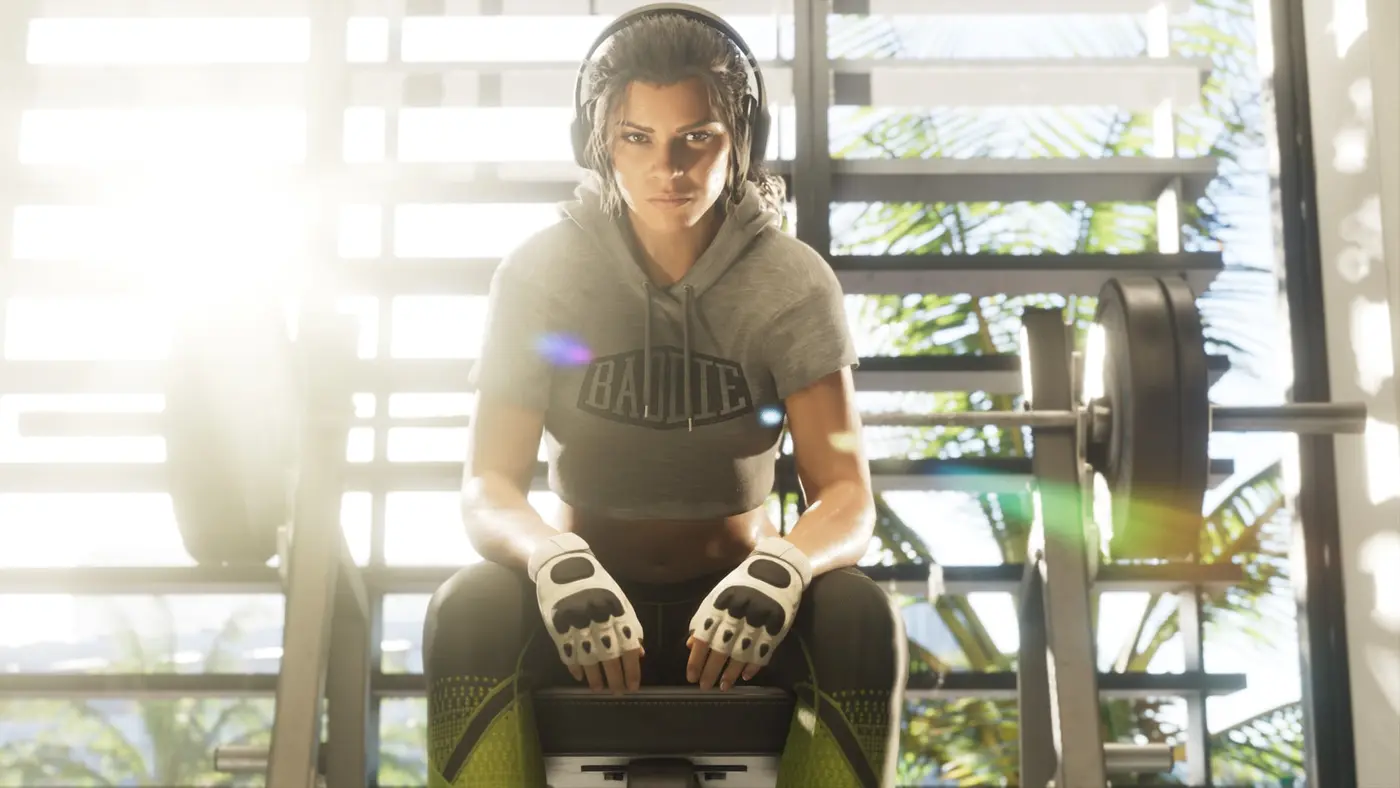
The dedicated accessibility options go further: a high-contrast shader that adds color to characters and interactions in the world, a setting to reduce the brightness of lights, color streaks for the focus trail, and quick-action assists that speed up tap and hold prompts (up to 5x and 4x), with a separate Hold Delay. Rockstar flags that some of these change the game’s balance.
Audio, gore and haptics
Audio has a tinnitus-reduction toggle, and streamers get an option to silence licensed music, the easiest way to dodge copyright strikes on Twitch or YouTube. Blood and gore come in three levels, and dismemberment can be switched off.
On PS5, Rockstar says the DualSense haptic feedback is adjustable through the accessibility settings, and every in-game sound is rendered for Tempest 3D Audio.
What you can’t change on console
No menu raises the frame rate. Rockstar targets 30fps on every console; the PS5 Pro adds PSSR upscaling and ray-traced shadows, not a 60fps mode. The details are in our GTA 6 FPS breakdown. The fix is on your TV: Game Mode on, motion smoothing off, covered in our best TV for GTA 6 guide. Still waiting to play? Check what time GTA 6 unlocks in your time zone.
FAQ
How do you turn off motion blur in GTA 6?
Open Settings, go to the Display tab and drag Motion Blur Strength down to zero. It's a strength slider rather than an on/off switch, so you can also just lower it, which some players prefer at 30fps because a little blur smooths camera pans.
Does GTA 6 have a difficulty setting?
No. There's no difficulty selector, but the Gameplay and accessibility settings do the same job piece by piece: reduced damage taken, reduced vehicle damage, auto driving, simplified mini games and lighter enemy encounters. Rockstar warns that some of these change the game's balance.
What is the best aim assist setting in GTA 6?
For a relaxed playthrough, Lock-On targeting with Aim Assist Strength around 3 and Shooting Assist on. For a real challenge, Free Aim, strength 0, and Shooting Assist off, because Shooting Assist still snaps to nearby targets even in Free Aim.
Can you get GTA 5 controls in GTA 6?
Yes. Pick the Classic control scheme in Settings: sprint goes back to Cross/A, jump to Square/X, melee to Circle/B and crouch to L3/LS, close to the GTA 5 layout. There's also a left-handed scheme.
Does GTA 6 have a performance mode on PS5 or Xbox?
Not one Rockstar has announced. Rockstar says GTA 6 targets 30 frames per second on current consoles. On PS5 Pro, it highlights PSSR upscaling and ray-traced shadows, not a higher frame rate.
Ten minutes in the menu tonight, and the first drive through Vice City feels like yours. Alfred, GTA Zone.
Sources
- Confirmed Rockstar Newswire (November 10, 2026): GTA VI targets 30 frames per second on current consoles; PSSR and ray-traced shadows only on PS5 Pro; DualSense haptic feedback adjustable via accessibility settings; Tempest 3D Audio on PS5
- Reported TechRadar review: GTA 6 accessibility options, including a high-contrast shader, reduced light brightness, color streaks for the focus trail, reduced damage taken, auto driving, simplified mini games, a tinnitus-reduction toggle, camera shake and bob, UI and subtitle scaling
- Reported BGR (November 18, 2026): 15 in-game settings to change, including Left-Handed, Classic and Default control schemes, no difficulty setting, vehicle damage and mini-game options, map icon size, GPS voice off by default, quick-action assists, Aim Assist from zero to five, Projectile Arc, three gore levels, crash and kill cinematics, a licensed-music option for streamers
- Reported BGR (November 18, 2026): how to turn off motion blur in GTA 6, via the Motion Blur Strength slider in the Display tab
- Reported GameRant (November 18, 2026): GTA 6 aim settings under Gameplay > Combat, Lock-On, Partial and Free Aim explained, Shooting Assist, Drive-By Assist, Quick Draw, Reticle Shape in the UI tab, casual and hardcore presets
- Reported GamesRadar+ (November 18, 2026): how to switch to the Classic control scheme in GTA 6, with the button changes, and how the Dynamic HUD hides the minimap, money, health, stamina and focus bars
About the author
Alfred from GTA Zone
Alfred is the byline of GTA Zone, written and checked by the newsroom. Every fact is sourced and labeled Confirmed, Reported or Rumor, and every page is updated when the story moves.

Comments
Be the first to react.