
GTA VI · Guide
How to Save in GTA 6: 15 Slots, Autosave and No Replays
Pause in free roam, open the Game tab, pick one of 15 slots. GTA 6 blocks saving during missions and has no mission replay, so here's where to save.
Contents
Saving in GTA 6 takes a few seconds and works anywhere in Leonida, as long as no mission is running. The catch is what Rockstar took away: you can’t save inside a mission, and you can’t replay one once it’s done. Your 15 slots are the only rewind button the game gives you.
How to save in GTA 6, step by step
- Get out of any mission. Finish it or quit it first, or Save Game won’t be available.
- Press Options on PS5 or Menu on Xbox Series X|S. Not the PS5 touchpad: that one opens the map.
- Go to the Game tab and pick Save Game.
- Choose a slot, blank or one you’re happy to lose.
- Wait for the save to complete, then quit if you want.
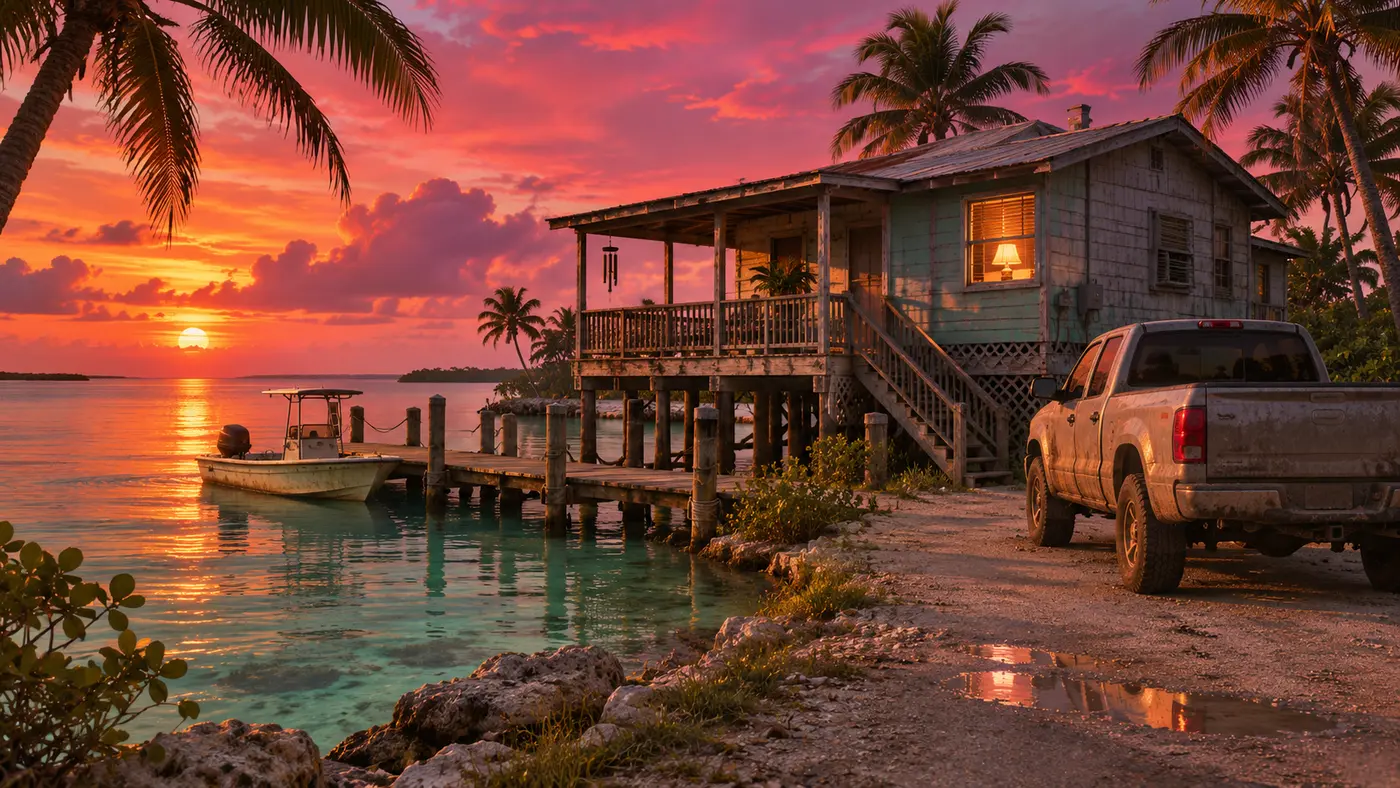
Loading lives in the same Game tab: Load Game lists your manual saves and the autosave. You don’t need to drive home first, either: Jason’s stilt house in Key Lento, his first safehouse, isn’t a save point, and the pause menu effectively doubles as your quick save. Our GTA 6 controls guide covers the rest of the button layout.
| What | How it works in GTA 6 | Level |
|---|---|---|
| Manual save | Pause menu > Game > Save Game, free roam only | Reported |
| Slots | 15 manual + 1 autosave | Reported |
| Autosave | After missions and some open-world events, overwrites itself | Reported |
| Save during a mission | Not possible | Reported |
| Mission replay | None, even after the credits | Reported |
| Prologue | Manual saves locked until it ends | Reported |
| Cheats | Disable saving for the session | Reported |
No saving inside a mission
This is the rule that catches GTA 5 veterans. Once a mission starts, the save option is gone until it ends. Close the game mid-mission and you load back into free roam, with the mission waiting to restart from the top. Rockstar’s Ben Rollinson told Radio Times the idea “was on the cards for a while,” but there was “a concern with issues around maintaining and testing loading fresh into every checkpoint of every mission on top of all the other game states that we save,” so the team chose to optimize how saves work instead.
Inside a mission, the pause menu gives you retry, restart or quit, and opening the menu or map pauses the action. Need to step away for an hour? Rest mode keeps you where you are.
No mission replay in GTA 6, and why
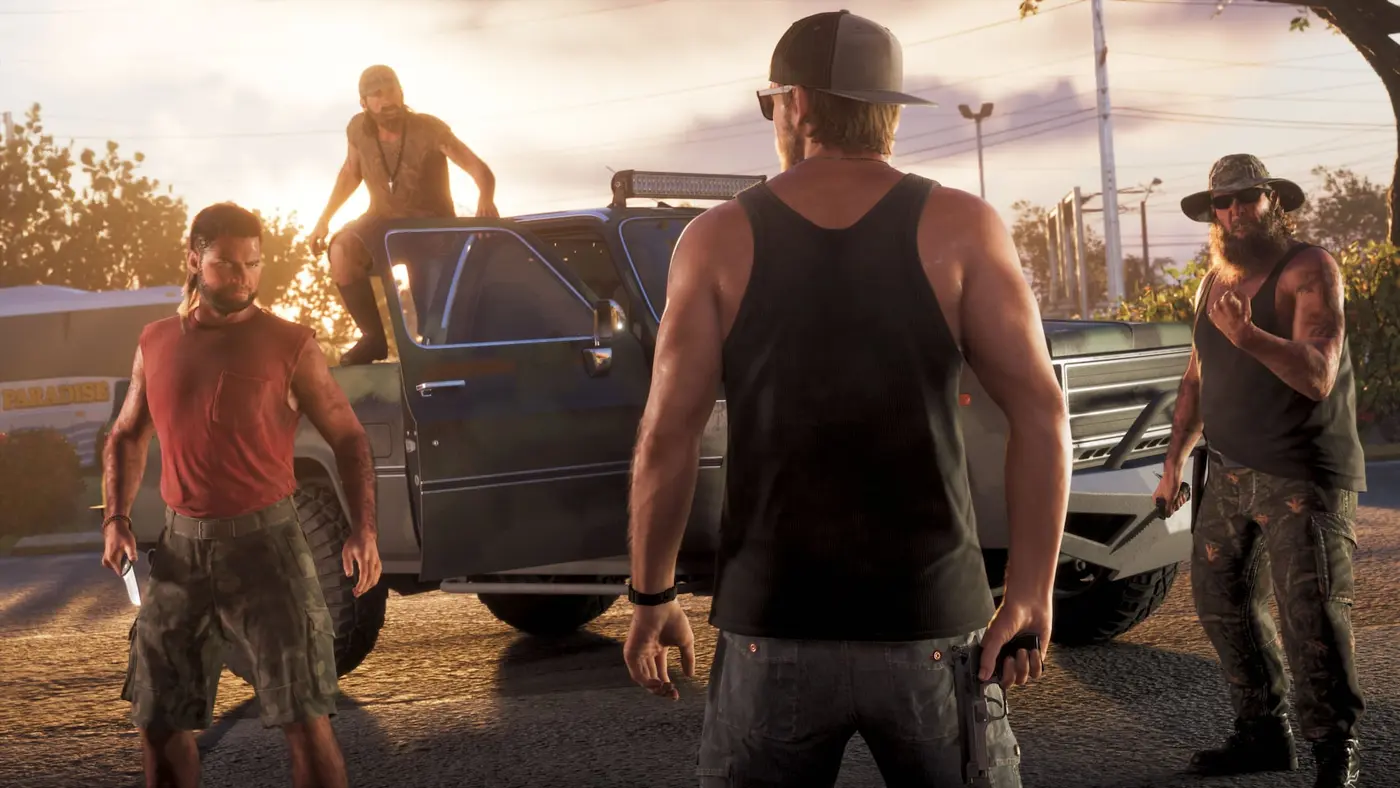
GTA 6 has no replay option in any menu, and no bronze, silver or gold medals. IGN notes that practically every Rockstar game since GTA IV’s The Ballad of Gay Tony has let you replay missions, and GTABOOM adds that RDR2 built its replay menu around gold medals. Finished missions don’t come back after the credits either.
The likely reason is the branching. IGN describes whole missions playing out differently based on choices made hours earlier, and Rockstar’s David Hynd told Eurogamer the team “really wanted to reduce the number of Mission fails” so players could try their own approach. A replay button is hard to square with a story that remembers what you did.
| Game | How you save | Mission replay |
|---|---|---|
| GTA VI (2026) | Pause menu, free roam only | No |
| Red Dead Redemption 2 (2018) | Pause menu | Yes, with medals |
| GTA V (2013) | Phone quick save or safehouse bed | Yes |
| GTA IV (2008) | Safehouse bed | Only in The Ballad of Gay Tony |
The autosave slot won’t protect your choices
The autosave fires after missions and some open-world events, and Eurogamer notes it’s there to bail you out when you get Busted or Wasted. But it’s one slot, rewritten every time. If it kicks in right after a decision you’d like to undo, only an older manual save can take you back.
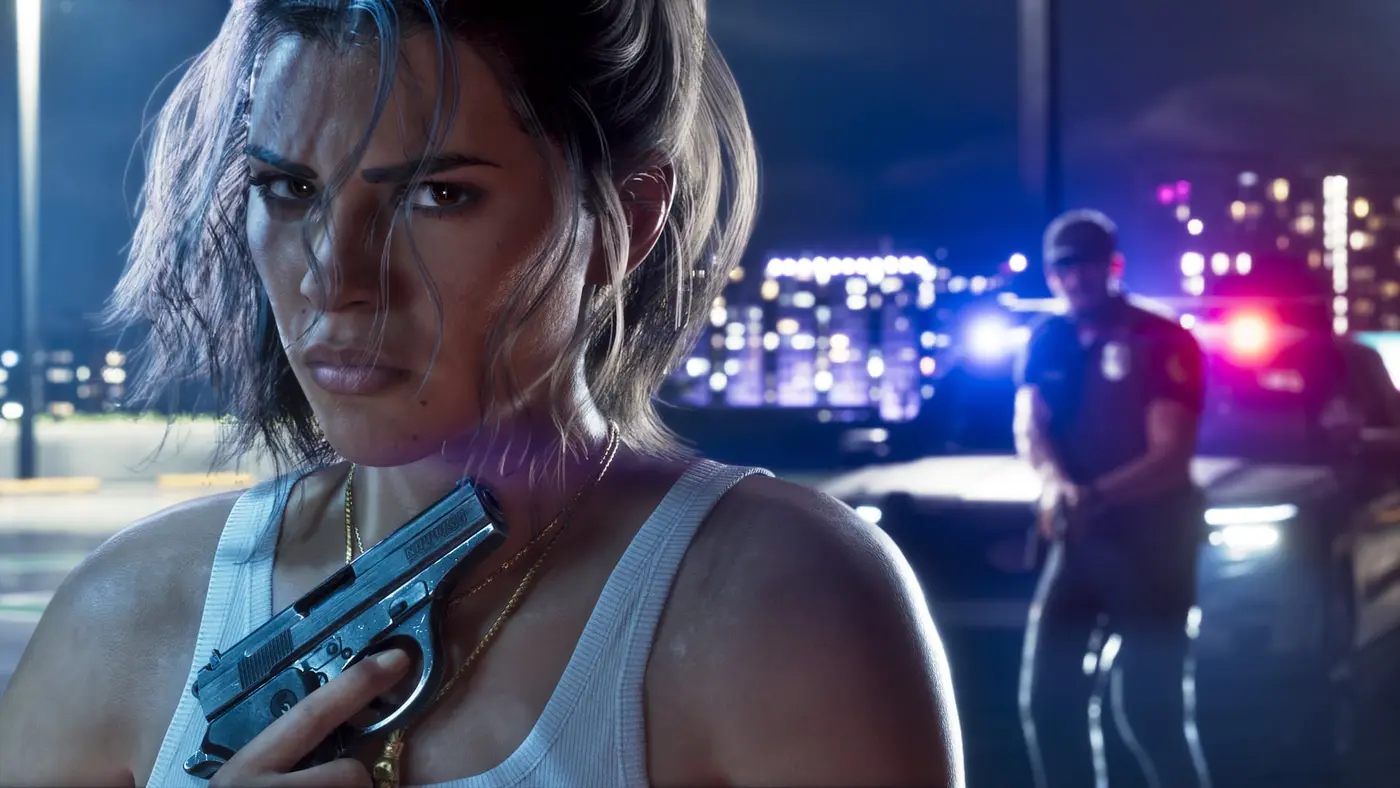
GameSpot flags an early example, no story spoilers involved: the projects at Jason’s house that he hasn’t finished before picking up Lucia can’t be done later. Only a save from before that trip gets them back.
Where to spend your 15 save slots
IGN puts the main story at 50 to 100 hours and suggests a new save roughly every 7% of it; Eurogamer’s math lands at one slot per 6.6% of the game. On a 70-hour run, that’s a fresh slot every four to five hours of play. Here’s how we’d split them:
| Save | When to make it |
|---|---|
| Fallback | Once the prologue is over; never overwrite it |
| Chapter openers | First thing in each new chapter, recycling the oldest |
| Pre-heist | Right before a heist, a showdown or a big decision |
| Scratch | Two or three slots you cycle through in free roam |
| Clean save | One slot you never use cheats on |
GTA 6 tells its story in chapters, and Radio Times suggests keeping one save per chapter, since chapter endings tend to close off options and areas. Before a heist, burn a spare slot: it’s the only way to see the other outcome without a second playthrough. Our GTA 6 trophy guide flags the one trophy that can be missed, and our GTA 6 length breakdown helps you pace the slots.
Why GTA 6 won’t let you save
- A mission is active. Finish it or quit it, then pause again.
- You’re still in the prologue. Manual saves unlock once the opening is over; until then, only the autosave runs.
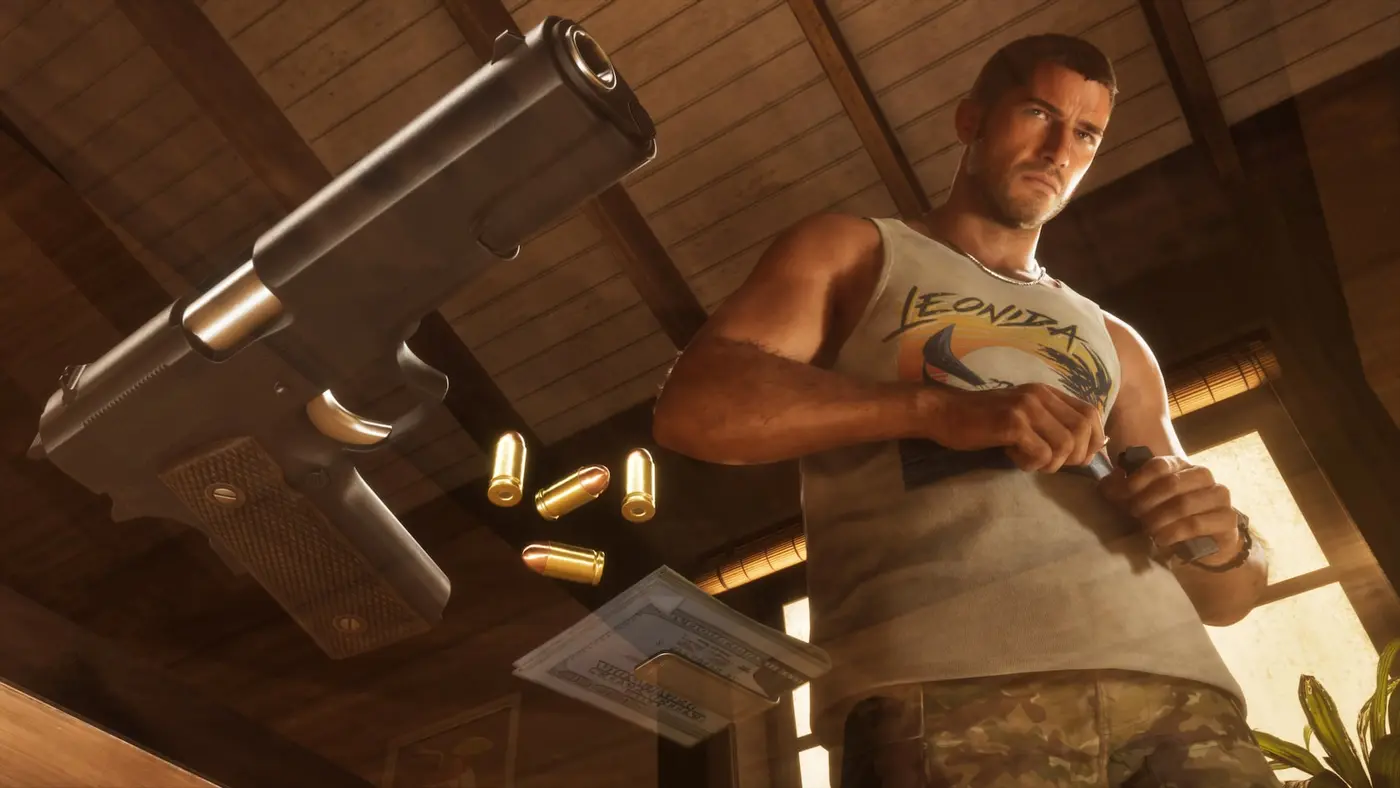
- You used a cheat. Cheats only unlock after the story, and any of them disables saving, trophies and achievements for the rest of the session. Save before you enter a code, and see our GTA 6 cheat codes page for the full list.
To protect your progress, PS5 backs up saves to PlayStation Plus cloud storage and Xbox Series X|S syncs them to the cloud automatically.
Grand Theft Auto VI gives you a world that remembers your choices. Your save slots are how you keep the right to change your mind.
FAQ
How do you save in GTA 6?
Outside a mission, press Options on PS5 or Menu on Xbox Series X|S to open the pause menu, go to the Game tab, select Save Game and choose one of the 15 slots. On PS5, the touchpad opens the map instead, so use Options. The same Game tab holds Load Game.
Can you save during a mission in GTA 6?
No. Saving is locked for the whole length of a mission. Rockstar's Ben Rollinson told Radio Times the idea was considered, but the team had concerns about maintaining and testing loads into every checkpoint of every mission, so it optimized how saves work instead. If you quit mid-mission, you reload in free roam and restart that mission from the top.
Can you replay missions in GTA 6?
Not from any menu, unlike GTA 5 and Red Dead Redemption 2. There's no replay option and no gold medals, and finished missions don't come back after the credits either. To play one again, load a manual save made before it.
How many save slots does GTA 6 have?
15 manual save slots, plus a single autosave slot that only ever holds your latest autosave. That's the same count as Red Dead Redemption 2.
Why can't I save in GTA 6?
Usually one of three reasons: a mission is active, you're still in the prologue, or you used a cheat this session. Cheats disable saving, trophies and achievements until the session ends.
Save before every big job, and you'll never lose a choice you wanted to keep. Alfred, GTA Zone.
Sources
- Reported Radio Times (November 19, 2026): save from the pause menu during open-world play (Options on PS5, not the touchpad map); no saving during missions, with Rockstar's Ben Rollinson explaining why; quitting mid-mission reloads you in the open world with the mission to restart; keep a save per chapter since chapter endings close off options and areas; rest mode to step away
- Reported GameSpot: how to save in GTA 6, 15 save slots, no saving during an active mission, one autosave slot that overwrites itself, Jason's house projects that can't be finished after Lucia comes home
- Reported GameSpot: can you replay missions in GTA 6, no replay from the menu even after the campaign, reload a manual save instead; retry, restart or quit from the pause menu during a mission
- Reported Eurogamer (November 18, 2026): no mission replay, 15 save slots plus an autosave slot for Busted or Wasted, Rockstar's David Hynd on reducing mission fails
- Reported IGN: GTA 6 doesn't let you replay story missions, no medal system, mission replay in practically every Rockstar game since The Ballad of Gay Tony, 15 manual save slots, a new save every 7% or so of the story
- Reported GTABOOM: 15 manual slots and one autosave slot, pause-menu saves in free roam only, autosave after missions and some open-world events, cheats disable saving; RDR2 also has 15 slots and a medal-based replay menu; GTA V saves by phone or safehouse bed, GTA IV by safehouse bed with replay only in The Ballad of Gay Tony
- Reported KeenGamer: step-by-step manual save (Options or Menu, Game, Save), Load Game in the same tab, manual saves locked during the prologue, Jason's stilt house in Key Lento as his first safehouse, no safehouse needed to save, cheats only unlock after the story, keep a clean save you never use cheats on, cloud backups on PS Plus and Xbox
About the author
Alfred from GTA Zone
Alfred is the byline of GTA Zone, written and checked by the newsroom. Every fact is sourced and labeled Confirmed, Reported or Rumor, and every page is updated when the story moves.

Comments
Be the first to react.