
GTA VI · Guide
GTA 6 PS5 and Xbox Settings to Change Before Launch
Before GTA 6 lands November 19, set these PS5 and Xbox options: rest mode for the November 12 preload, VRR, 120Hz, HDR and 3D Audio, menu by menu.
Contents
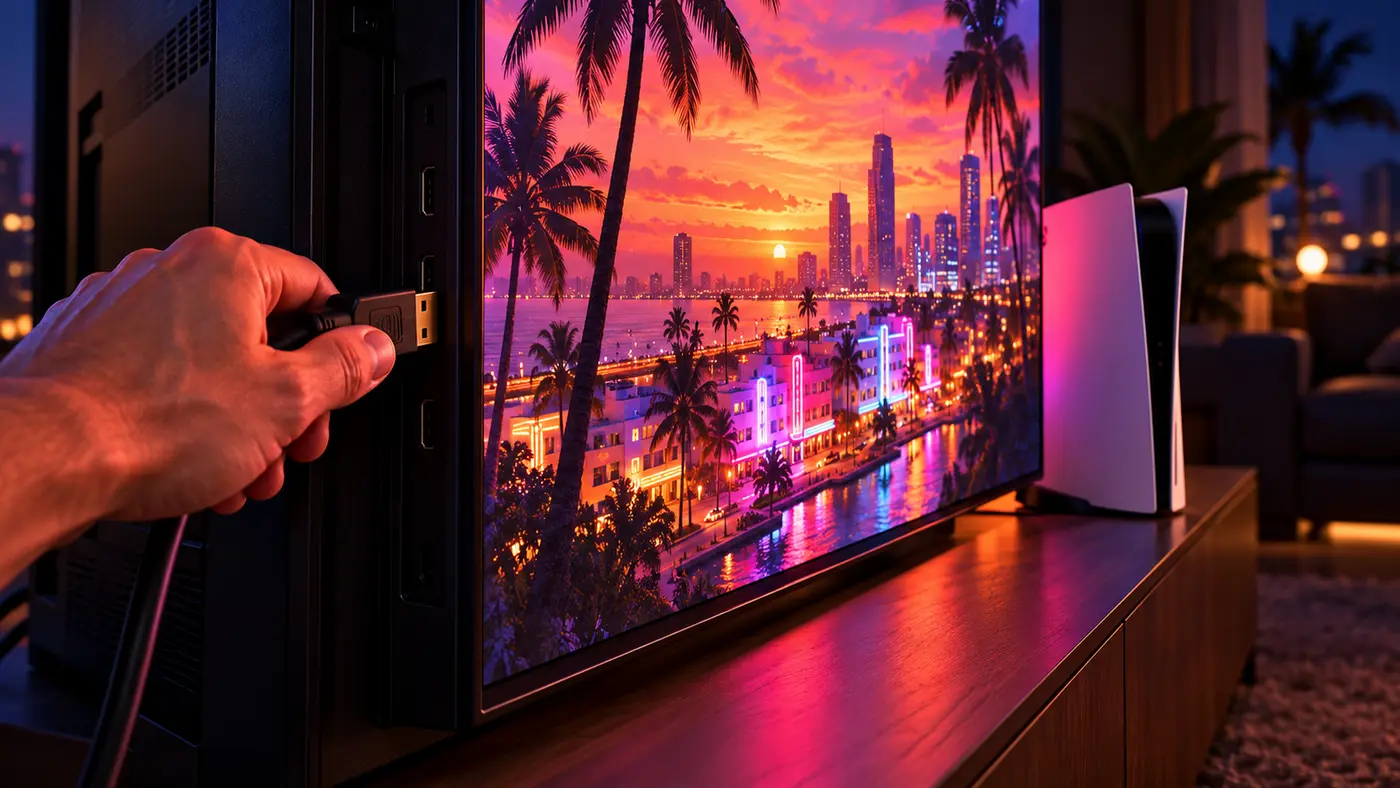
GTA 6 unlocks on November 19, 2026, and preloading opens on November 12. Five minutes in your console menus now saves you a stalled download and a washed-out first drive through Vice City. Here’s what to change on PS5 and Xbox Series X|S, menu by menu, and why each setting matters for this game.
The checklist, PS5 and Xbox
| Setting | PS5 | Xbox Series X|S | Why it matters |
|---|---|---|---|
| Download in standby | Settings > System > Power Saving > Features Available in Rest Mode > Stay Connected to the Internet | Settings > General > Power options > Sleep | The preload and day-one patch install without you |
| Auto-download | Settings > Saved Data and Game/App Settings > Automatic Updates > Auto-Download | Automatic in Sleep; Shutdown may wait for lower-carbon hours | No surprise patch at midnight |
| VRR | Settings > Screen and Video > Video Output > VRR | Settings > General > TV & display options > Video modes > Allow variable refresh rate | Smooths frame dips |
| 120Hz | Video Output > 120 Hz Output | TV & display options > Display > Refresh rate (check your resolution after) | Clean pacing for 30fps (PS5) |
| HDR | Video Output > HDR, then Adjust HDR | Video modes > Allow HDR10, then Calibrate HDR for games | Neon nights and Florida sun |
| 3D audio | Settings > Sound > 3D Audio (Headphones) | n/a (PS5 feature) | Sony’s Tempest 3D AudioTech |
On Xbox, every path starts from the guide: press the Xbox button, then Profile & system > Settings.
Preload on November 12 without babysitting
Rockstar confirmed that digital preorders can start pre-loading on November 12, a week before launch. The physical edition goes on sale the same day, but the box holds a download code, not a disc: physical buyers download the whole game too. That’s a reported 210GB on PS5, so check our GTA 6 file size guide before the 12th.
On PS5, turn on Stay Connected to the Internet under Power Saving, then Auto-Download under Automatic Updates. Once your preorder shows in the Game Library, the console handles the rest.
On Xbox, Microsoft says both Sleep and Shutdown (energy saving) support automatic updates of games and apps. The catch: since February 2023, a console in Shutdown mode can schedule updates at specific times of day, when the grid runs on lower-carbon power. For launch week, pick Sleep, or start the download by hand on the 12th, and leave the console plugged in and online. For the exact unlock hour on launch night, see what time GTA 6 comes out.
30fps, VRR and 120Hz: what to expect
Rockstar has never published a frame rate for Grand Theft Auto VI. The closest thing to an answer was reported on August 27, 2026: Rockstar North’s Rob Nelson reportedly told YouTuber Davy Jones, during a creator visit to Rockstar North written up by Brazilian outlet Flow Games, that consoles run the game at 30fps during development. A 60fps option, at launch or later, still had to be discussed with the technical team. That fits Rockstar’s history: GTA V only got a 60fps mode with its PS5 and Xbox Series release, and Red Dead Redemption 2 still has no official 60fps upgrade on modern consoles (Kotaku). We dig into it in will GTA 6 run at 60fps.
So why bother with VRR and 120Hz? VRR lets the TV follow the console when a crowded chase pushes frame times around. On PS5, Sony also offers Apply to Unsupported Games to stabilize frame rates in games without native VRR support, and tells you to switch it off if anything acts up. On PS5, the 120Hz signal is a free win at 30fps: as Engadget notes, 30 fits into 120 exactly, each frame held for four refreshes.
Both need your TV’s HDMI 2.1 port. If 4K at 120Hz shows a black screen on PS5, Sony’s checklist covers TV firmware, a cable rated for 4K 120Hz and a direct connection rather than through a receiver. On Xbox, Microsoft’s display page warns that 120Hz runs at 1080p or 1440p, and that switching from 4K UHD lowers the resolution. For a 30fps game on a 4K TV, check what Resolution reads after the switch, and go back to 60Hz if it dropped.
HDR: calibrate once, in the room you play
Engadget expects GTA 6 to take you from dark, neon-soaked nightclubs to bright Florida sun, sometimes within the same mission. Rockstar hasn’t detailed the game’s HDR options yet, but that kind of contrast is exactly where a bad setup crushes shadows or blows out skies. On PS5, set Video Output > HDR to Always On (it converts non-HDR games too) or On When Supported, then run Adjust HDR. Engadget’s tip: if your TV has an HGIG mode, turn it on so the set doesn’t tone-map on top of the console.
On Xbox, enable Allow HDR10, then open Calibrate HDR for games in TV & display options. Microsoft’s own advice for HDR: maximum HDR brightness on the TV, local dimming on, energy saving and dynamic contrast off, warm color temperature, sharpening off. One catch Xbox spells out: its auto low-latency mode can make HDR colors look washed out on some TVs. If the picture looks flat, that’s the setting to test.
3D Audio and the DualSense on PS5
Sony’s partnership with Rockstar promises that GTA VI “plays best on PS5”, built on the DualSense (haptic feedback, adaptive triggers, the controller speaker) and Tempest 3D AudioTech. If you’ve got the GTA 6 DualSense on preorder, this is where it pays off.
On headphones, go to Settings > Sound > 3D Audio (Headphones) and pick Create Personalized 3D Audio Profile, or one of Sony’s five presets, then switch on Enable 3D Audio for Headphones. Any wired pair works; Bluetooth headphones need a USB adapter, since the PS5 doesn’t support Bluetooth audio directly.
The free GTA+ month: mind the deadline
Buy the digital Standard or Ultimate Edition before November 20 and you get a month of GTA+. The deadline depends on your store, per Rockstar Support:
- PlayStation Store: redeem from the GTA+ product page any time until March 31, 2027. No rush.
- Microsoft Store: redeem in Offers & Credits within 180 days of your purchase. A June 25 preorder runs out around late December 2026.
After that month, it renews at the regular price until you cancel. Existing members get the month added to their subscription, and it’s one per platform account. GTA+ is the GTA Online membership today; our GTA+ breakdown covers what it’s worth.
FAQ
What are the best PS5 settings for GTA 6?
Turn on Stay Connected to the Internet in rest mode and Auto-Download so the November 12 preload and the day-one patch install on their own. Then, under Settings > Screen and Video > Video Output, enable VRR, 120 Hz Output and HDR, and run Adjust HDR. Finish with a personalized 3D Audio profile under Settings > Sound if you play on headphones.
Will GTA 6 run at 60fps on PS5 or Xbox?
Nothing confirms it. In August 2026, Rockstar North's Rob Nelson reportedly told YouTuber Davy Jones, during a creator visit to the studio reported by Brazilian outlet Flow Games, that consoles run the game at 30fps during development, and that a 60fps option at launch or later still had to be checked with the technical team. Rockstar has published no frame rate or graphics modes since.
Does my console need to stay on to preload GTA 6?
No. A PS5 in rest mode keeps downloading if Stay Connected to the Internet is on. On Xbox, both Sleep and Shutdown (energy saving) support automatic updates of games, but in Shutdown the console may schedule updates for lower-carbon hours, so Sleep is the safer pick for launch week. Either way, keep the console plugged in and online from November 12.
Do I need HDMI 2.1 for GTA 6?
HDMI 2.1 isn't required to play; it only matters for VRR and 4K at 120Hz. On PS5, Sony says to use the HDMI 2.1 port on your TV and either the cable included with the console or an Ultra High-Speed cable rated for 4K 120Hz, and to check your TV's firmware if 4K 120Hz doesn't show up.
Five minutes in the menus tonight, and November 19 is all yours. Alfred, GTA Zone.
Sources
- Confirmed Rockstar Newswire: GTA VI is a single player experience, out November 19; digital preorders can preload from November 12; the physical version holds a download code and goes on sale November 12; free month of GTA+ with digital preorders
- Confirmed PlayStation Blog: GTA VI plays best on PS5, with DualSense haptic feedback, adaptive triggers, controller speaker, Tempest 3D AudioTech and near-instant load times
- Confirmed PlayStation Support: auto-download in rest mode (Stay Connected to the Internet, Auto-Download and Auto-Install in Rest Mode) and auto-download of preorders
- Confirmed PlayStation Support: PS5 video output settings (VRR, Apply to Unsupported Games, 120 Hz Output, ALLM, HDR, Adjust HDR, HDMI 2.1 and 4K 120Hz troubleshooting)
- Confirmed Rockstar Support: one month of GTA+ for digital purchases before November 20, 2026; redeem by March 31, 2027 on PlayStation Store, within 180 days of purchase via Offers & Credits on Microsoft Store; auto-renews monthly; stacks onto an existing membership
- Confirmed Xbox Support: Shutdown (energy saving) and Sleep power options both support automatic updates; in Shutdown, carbon-aware Xbox schedules updates at specific times of day
- Confirmed Xbox Support: TV and display settings (120Hz refresh rate at 1080p and 1440p, lowers resolution from 4K UHD; Allow auto low-latency mode and its HDR caveat; Allow variable refresh rate; Allow HDR10)
- Confirmed Xbox Support: recommended HDR TV settings and the HDR Game Calibration app (Calibrate HDR for games)
- Reported Flow Games (August 27, 2026): during a creator visit to Rockstar North, Rob Nelson said consoles run GTA 6 at 30fps during development, 60fps option still to be checked with the technical team
- Reported Kotaku (August 27, 2026): Rob Nelson reportedly told YouTuber Davy Jones that GTA 6 runs at 30fps on consoles during development; GTA V only got 60fps on PS5 and Xbox Series, RDR2 has no official 60fps upgrade on modern consoles
- Reported Engadget: PS5 settings to change before GTA 6 (expects nightclubs and bright Florida sun within a mission; VRR, 120Hz and a 30fps signal, HDR calibration with HGIG, 3D Audio profiles and five presets, no direct Bluetooth audio)
About the author
Alfred from GTA Zone
Alfred is the byline of GTA Zone, written and checked by the newsroom. Every fact is sourced and labeled Confirmed, Reported or Rumor, and every page is updated when the story moves.
Comments
Be the first to react.