
GTA VI · Guide
Best TV for GTA 6: PS5 and Xbox Picks for a 30fps Game
GTA 6 targets 30fps, so HDR and contrast matter more than 120Hz. The best TVs for PS5, PS5 Pro and Xbox, from OLED to budget, with November 2026 prices.
Contents
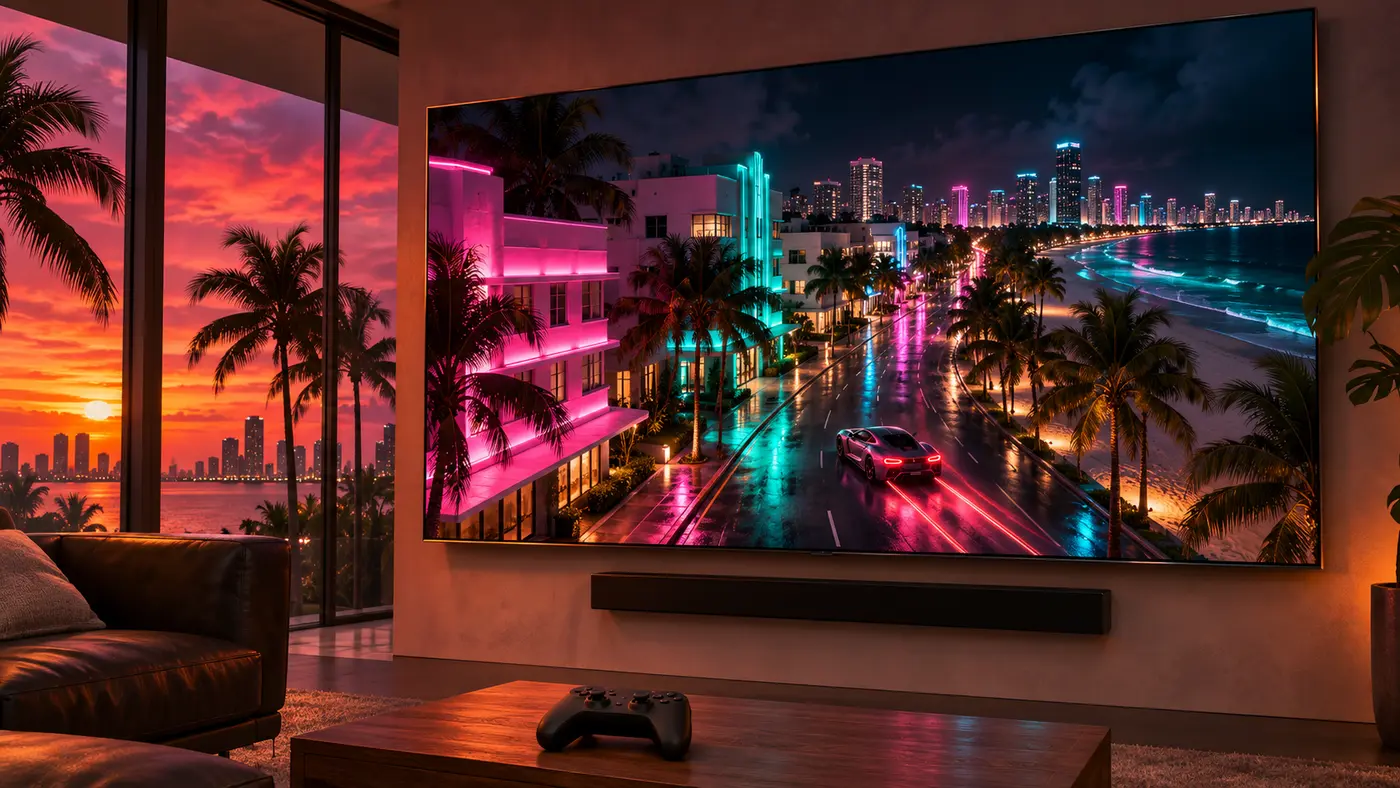
The best TV for GTA 6 is the Samsung S95H OLED if money is no object, and the LG C6 OLED if you want 90% of it for far less. But start with the one number that changes the shopping list: Rockstar says GTA 6 is “targeting 30 frames per second” on PS5, PS5 Pro and Xbox Series X|S. That makes contrast and HDR the features to pay for, not a 165Hz panel.
The best TVs for GTA 6
Our picks follow RTINGS’ lab-tested rankings for PS5 and gaming, checked against what a 30fps open world actually needs. Prices are the makers’ own, seen on November 16, 2026, and Black Friday will move them.
| Pick | TV | Panel | Why it fits GTA 6 | Price |
|---|---|---|---|---|
| Best overall | Samsung S95H OLED | QD-OLED, matte | Very bright, vivid HDR; matte screen kills reflections | $2,299.99 (65”) |
| Best value | LG C6 OLED | WOLED | Same inky blacks, Dolby Vision for Xbox | $1,399.99 (65”) |
| Bright rooms | Hisense U7SG | Mini LED | Very bright, great glare handling, four HDMI 2.1 ports | Check retailers |
| Budget | TCL QM6K | Mini LED | Local dimming at a low price, two HDMI 2.1 ports | $479.99 (55”) |
| Cheapest | Hisense QD6QF | LED, no local dimming | 4K 60Hz is enough for a 30fps game | Check retailers |
RTINGS ranks the S95H as the best PS5 TV it has tested, with four HDMI 2.1 ports and a matte coating that handles a sunny room. The C6 gives up some HDR punch and shows mirror-like reflections when a lamp faces the screen, but it costs $900 less at 65 inches.
What 30fps changes
Every console tops out at 120Hz, and GTA 6 won’t use most of it. A 30fps image divides evenly into both 60Hz and 120Hz, so even a 4K 60Hz set shows every frame the game draws. That’s why the cheap Hisense QD6QF, which has no HDMI 2.1 port, still makes the list. Our GTA 6 FPS breakdown covers what Rockstar confirmed per console.
VRR matters less than the box suggests. RTINGS notes that many TVs only run variable refresh rate from 40Hz or 48Hz up, unless they support Low Framerate Compensation. A game capped at 30fps sits below that window. Don’t pay extra for VRR on GTA 6’s account alone.
Stutter is the OLED tradeoff. RTINGS measures it: the faster a TV’s pixels respond, the more each held frame reads as a jerky step in slow pans. OLEDs respond almost instantly, so a 30fps camera sweep over Vice City can show it more. A Mini LED like the U7SG blurs fast motion a little more, which can soften it. RTINGS still considers a fast response the better choice overall: think of stutter as a tradeoff, not a dealbreaker.
HDR is where the money goes
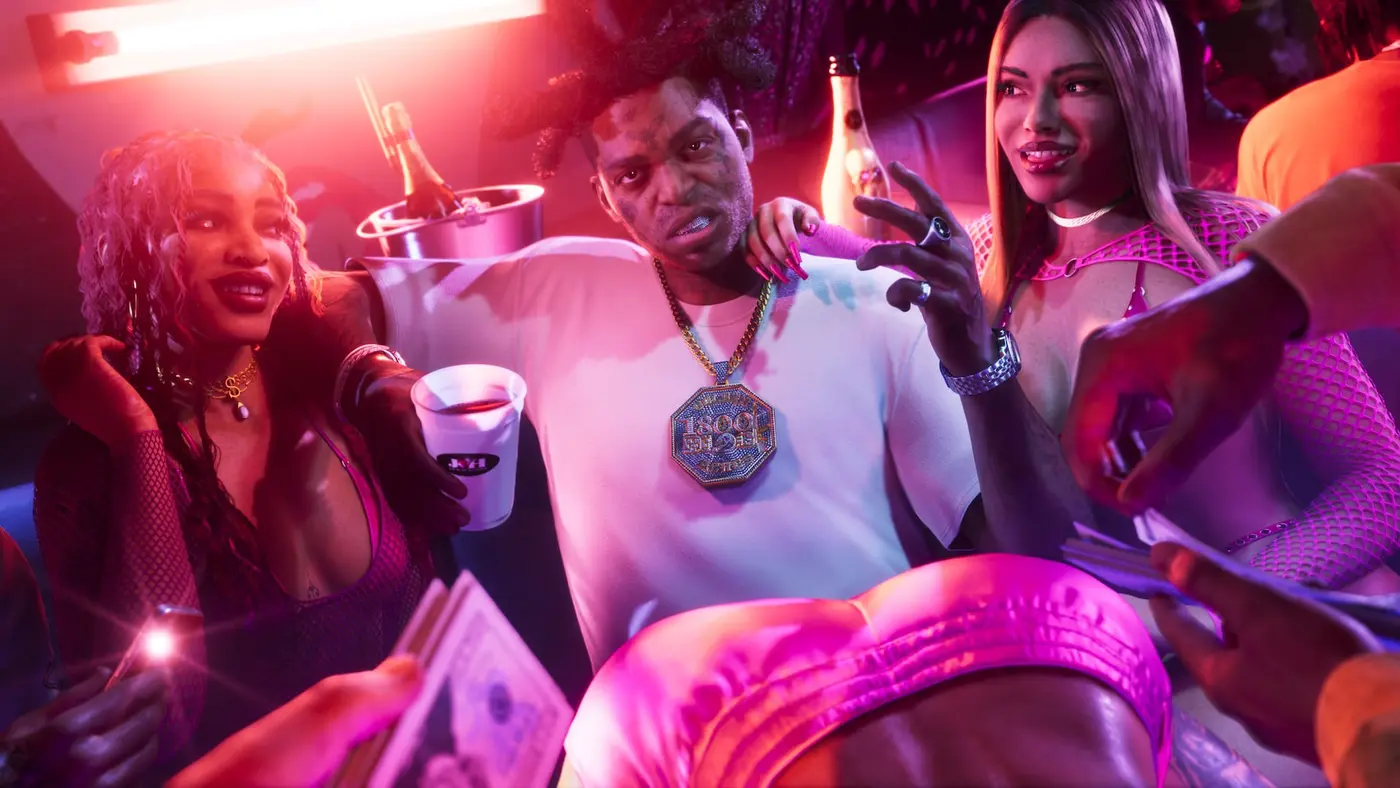
Vice City lives at night: neon signs, club lighting, headlights on wet asphalt. Those small, very bright highlights next to deep shadows are what separate a great HDR TV from an average one. RTINGS says the S95H makes bright areas “really pop,” while the budget TCL QM6K’s HDR is “a bit too dim for bright areas to truly pop.” That gap is the main thing you buy when you move up the list.
Rockstar’s HDR history is worth knowing. At launch in 2018, Red Dead Redemption 2’s HDR was criticized as not “true HDR,” and HDTVTest told players to switch to SDR. Rockstar hasn’t detailed the HDR options in Grand Theft Auto VI yet, so calibrate once the game is out. Our PS5 and Xbox settings guide walks through HDR calibration and HGIG.
Bright room or dark room
Where you play matters as much as the panel:
| Your room | Best fit | Why |
|---|---|---|
| Dark, evening play | LG C6 OLED | Perfect blacks, keeps them deep even with lights on |
| Daylight, windows | Samsung S95H or Hisense U7SG | Matte screen or very high brightness beats glare |
| Basement, low budget | TCL QM6K | RTINGS calls it better for evening or nighttime gaming |
PS5 Pro owners
Rockstar says the PS5 Pro gets PSSR upscaling for a sharper image and ray-traced shadows no other console has. That extra detail shows on a 4K set; the frame rate stays at 30fps. You don’t need HDMI 2.1 for it either. Weighing the upgrade? See our PS5 Pro for GTA 6 guide.
One thing to skip: Dolby Vision. RTINGS confirms the PS5 and PS5 Pro don’t support it, so a Samsung without it costs you nothing on PlayStation.
Xbox owners and Dolby Vision
Here it gets interesting. A photo of the back of the Xbox Series X|S box, shared by @videotech and reported by Xboxygen, shows HDR, Dolby Vision and Dolby Atmos logos. Rockstar hasn’t listed display modes itself, so treat it as reported. If you want it, the LG C6 supports Dolby Vision and the Samsung S95H doesn’t.
Don’t overpay for the logo, though. Xboxygen points to HDTVTest comparisons where Dolby Vision gaming added banding at 4K 120Hz, while well-tuned HDR10 with HGIG looked cleaner. On Xbox, Dolby Vision is a bonus, not a reason to pick one TV over another.
Before you plug it in
Check which ports are HDMI 2.1: the TCL QM6K has only two, which gets tight with a PS5, an Xbox and a soundbar. Make room for the install too (up to 212GB, per Rockstar), with our best SSD for GTA 6 picks, and count down with the GTA 6 release date page.
FAQ
Do I need a 120Hz TV for GTA 6?
No. Rockstar says GTA 6 targets 30fps on PS5, PS5 Pro and Xbox Series X|S, and that is the only target Rockstar has stated. A good 4K 60Hz TV shows every frame the game renders. 120Hz only matters for other games, or if Rockstar adds a faster mode later.
Is OLED or Mini LED better for GTA 6?
OLED wins on contrast, which suits Vice City's neon nights. Mini LED gets brighter and copes better with a sunny room. At low frame rates like 30fps, RTINGS' tests suggest OLED can show more stutter in camera pans, while a Mini LED's slower response can smooth it out a little.
Does GTA 6 support Dolby Vision?
Reportedly on Xbox Series X|S: a photo of the back of the Xbox box shows Dolby Vision and Dolby Atmos logos. Rockstar hasn't listed display modes itself. The PS5 and PS5 Pro don't support Dolby Vision, so PlayStation players can ignore it.
Does GTA 6 need HDMI 2.1?
No. HDMI 2.1 is what carries 4K at 120Hz, and GTA 6 targets 30fps on every console. A 4K 60Hz TV on HDMI 2.0 shows every frame. HDMI 2.1 ports still help if you plug in several consoles or play other 120Hz games.
Get the TV set up this week, and November 19 is all about Leonida. Alfred, GTA Zone.
Sources
- Confirmed Rockstar Newswire pre-load post (November 10, 2026): GTA VI targets 30 frames per second on current consoles, PSSR and ray-traced shadows only on PS5 Pro, Xbox Cloud Gaming uses Xbox Series S settings
- Reported RTINGS, The 6 Best TVs For PS5/PS5 Pro of 2026 (updated October 20, 2026): Samsung S95H OLED best overall (matte screen, four HDMI 2.1 ports), LG C6 OLED upper mid-range (mirror-like reflections with lights facing the screen), Hisense U7SG mid-range (very bright, fantastic reflection handling, HDMI 2.1 on all four inputs, more motion blur), TCL QM6K budget (two HDMI 2.1 ports, better for evening gaming), Hisense QD6QF cheap (no HDMI 2.1, 4K 60Hz, no local dimming); PS5 and PS5 Pro don't support Dolby Vision
- Reported RTINGS, The 5 Best Gaming TVs of 2026 (updated October 1, 2026): Samsung S95H bright areas in HDR games really pop, no Dolby Vision for Xbox; LG C6 supports Dolby Vision and its blacks stay much deeper in a bright room; TCL QM6K HDR too dim for bright areas to truly pop
- Reported RTINGS test explainer, Stutter: a frame held on screen too long in low-frame-rate content; the quicker a TV's response time, the more stutter; a quick response time is still almost always the better choice
- Reported RTINGS test explainer, Variable Refresh Rate: some TVs use Low Framerate Compensation to go below 40fps, others have a VRR lower limit of 40Hz or 48Hz; PS5 supports HDMI Forum VRR only
- Confirmed Rockstar Newswire (November 3, 2026): GTA VI pre-load from November 10, requires up to 212GB depending on your device
- Confirmed Samsung.com: 65-inch S95H OLED (QN65S95HAFXZA) at $2,299.99, was $3,399.99 (price seen November 16, 2026)
- Confirmed LG.com: 65-inch LG C6 OLED (OLED65C6PUA) at $1,399.99 (price seen November 16, 2026)
- Confirmed TCL.com: 55-inch QM6K (55QM6K) at $479.99, regular price $649.99 (price seen November 16, 2026)
- Reported Xboxygen (November 2026, in French): a photo of the back of the GTA VI Xbox box shared by @videotech shows HDR, Dolby Vision and Dolby Atmos; HDTVTest comparisons found Dolby Vision gaming can add banding at 4K 120Hz, HDR10 with HGIG often looks cleaner
- Reported Engadget (October 31, 2018): Red Dead Redemption 2 might not be delivering true HDR, HDTVTest recommended switching to SDR
About the author
Alfred from GTA Zone
Alfred is the byline of GTA Zone, written and checked by the newsroom. Every fact is sourced and labeled Confirmed, Reported or Rumor, and every page is updated when the story moves.

Comments
Be the first to react.