
How big will GTA 6 be on your console? There’s no official number yet, but a persistent rumor points to a file size just under 200GB on PS5. That’s plausible given Rockstar’s track record, and it has real consequences for your SSD. Here’s how to get your console ready for November 19, 2026, step by step.
The 200GB rumor comes from a post that has already been deleted
Let’s start from the top. In early June, the GTA 6 Intel account claimed that Grand Theft Auto VI would come in at “just under 200GB” on PS5, a figure the gaming press picked up almost instantly. One detail should give you pause, though: the original post has since been deleted, and neither Rockstar nor Take-Two has confirmed anything. Rumor status, then, and nothing more.
Another habit worth borrowing from veterans: file sizes keep moving right up to launch. Between final optimization passes, last-round compression, and the traditional day-one patch, the number you see at release often differs from what leaked. For perspective, the console record still belongs to ARK: Survival Evolved and its roughly 400GB of required space: even at 200GB, GTA VI wouldn’t be breaking new ground.

Why GTA 6 is guaranteed to be massive
You don’t need a leak to know this game will be huge; Rockstar’s own history is enough. GTA V takes up just over 86GB on PS5 in its 2022 Expanded & Enhanced version. Red Dead Redemption 2 already demanded 99GB on PS4 in 2018, and up to 149GB of temporary space during a digital install. GTA 6 promises a world bigger than both, fully ray-traced lighting, and characters with unprecedented fidelity: we broke down how it all works in our deep dive on the graphics and the RAGE engine. Doubling GTA V’s footprint would almost be conservative.
That same logic explains why the last generation got left behind: the engine leans on NVMe SSD streaming to load Leonida without a single loading screen, which is what doomed the PS4 and Xbox One versions. And don’t mix up the two “sizes” everyone keeps talking about: the map size is measured in square miles, the file size in gigabytes.
Here’s what each console would have left with a 200GB GTA 6:
| Console | Advertised storage | Actually usable | Left with a ~200GB game |
|---|---|---|---|
| Standard PS5 | 825GB | 667.2GB | ~467GB |
| Xbox Series X | 1TB | 802GB | ~602GB |
| Xbox Series S | 512GB | 364GB | ~164GB |
On the Series S, things get serious: with 364GB usable, a single 200GB behemoth would claim more than half the space. If you’re still torn between machines, our PS5 vs Xbox Series comparison lays out all the numbers.
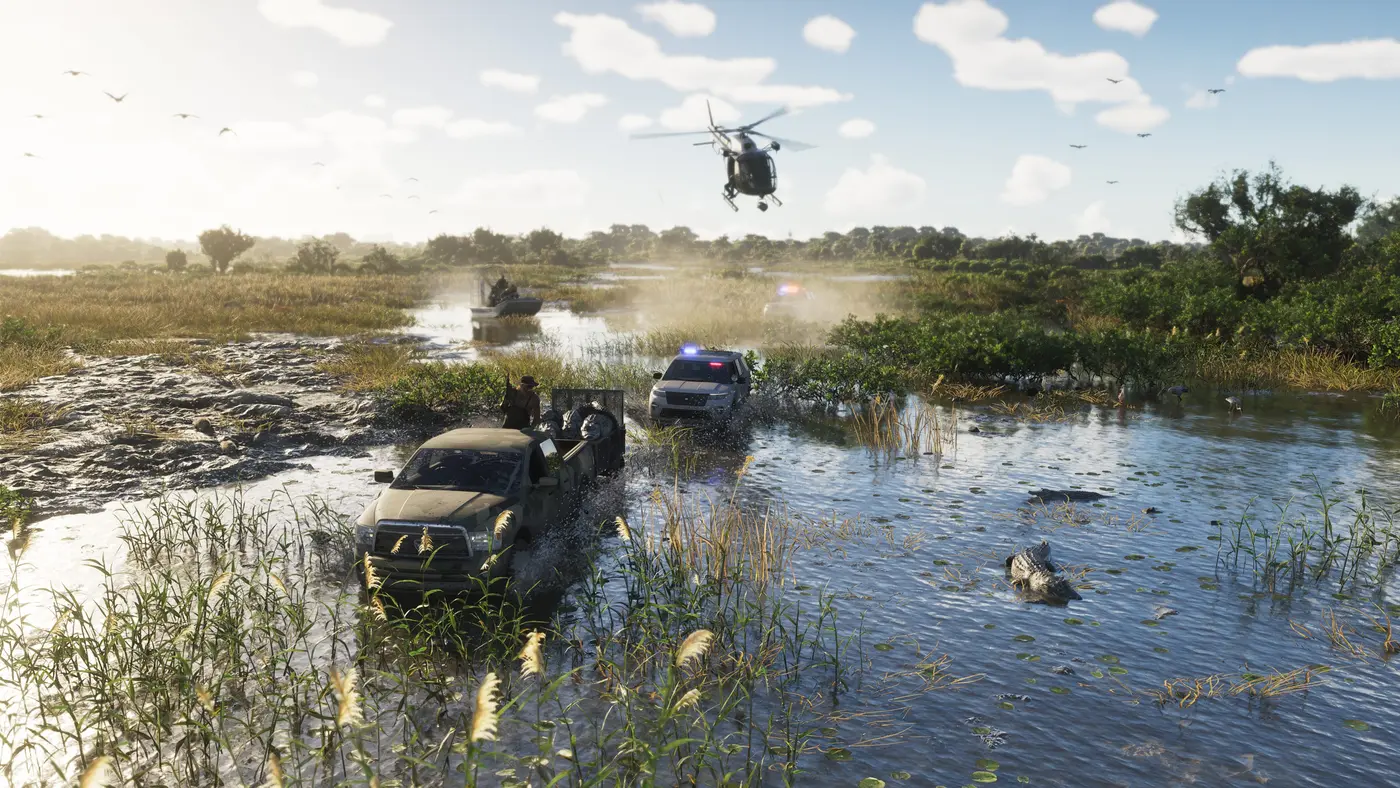
Step 1: Take stock of your free space
Head to your settings. On PS5: Settings, then Storage, to see how much your games weigh. On Xbox Series: My games & apps, then Manage storage. If you have less than 250GB free, now is the time to plan ahead: between the game itself and the working space needed during installation, aiming high will spare you a nasty surprise on the night of November 19, the date Rockstar has confirmed for the PS5 and Xbox Series X|S launch.
Step 2: Clean house the smart way
No need to delete everything. On PS5, you can move your PS5 games to an external USB drive to “park” them: they can’t be played from USB, but they copy back to the internal SSD far faster than a full redownload. PS4 games, meanwhile, run directly from that external drive. On Xbox, the same principle applies with any USB drive for storing Series X|S optimized titles. Sort by size, keep what you’re playing right now, park the rest.
Step 3: Expand your storage if you need to
If cleaning up isn’t enough, both consoles can grow without any heroic screwdriver work. On PS5, Sony requires an M.2 NVMe PCIe Gen4 x4 SSD between 250GB and 8TB, with a recommended sequential read speed of 5,500MB/s or higher and a heatsink. Once it’s in, PS5 games run natively from it. On Xbox, the official expansion card (512GB, 1TB, or 2TB) slots into the back of the console and delivers performance identical to the internal SSD, at a premium price. PS5 Pro owners start with 2TB built in, plenty of headroom even for a well-fed GTA 6.
Step 4: Plan ahead for the preload
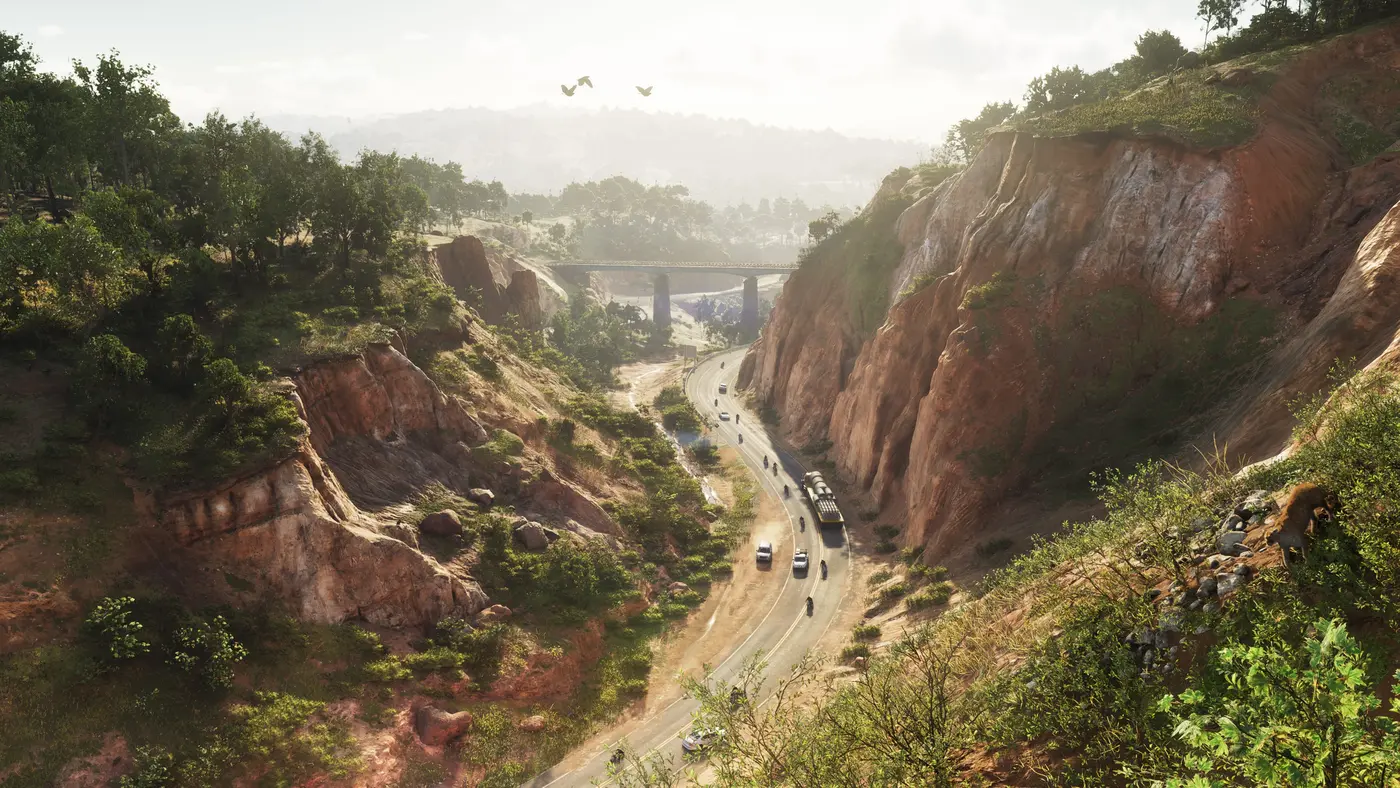
One last tip from a veteran of Rockstar launches: don’t count on downloading 200GB on launch night. As with every major release, a preload a few days before launch is very likely, even if Rockstar hasn’t shared details yet, any more than it has a preorder date. Free up the space now, plug your console into Ethernet if you can, and on November 19 you’ll be pressing X while everyone else stares at a progress bar.
While we wait for the official number, Trailer 2 remains the best demonstration of what all those gigabytes buy: every second of it was captured in-game on a standard PS5.


Comments
Be the first to react.