

Thirteen years after launch, GTA V is still a playground for creativity thanks to its PC mods: real-world cars, reworked graphics, scripts that add a cop mode or a homemade heist system. Installing them takes just a few steps, but one rule is non-negotiable: you mod in single-player, never online. Here is how to get started cleanly, with the right tools and without putting your account at risk.
Single-player mods or online mods: the line you must never cross
This is the single most important point in the guide, before you even hit your first download. Modding GTA V is tolerated only in story mode. In June 2017, after the OpenIV episode, Take-Two clarified its position: it generally will not pursue legal action against third-party projects that are single-player, non-commercial, and respect the intellectual property of others. Rockstar even keeps an official support page dedicated to PC single-player mods. It is neither a license nor a blank check, but a clear tolerance.
In GTA Online, it is the exact opposite: any mod, menu, or cheat is forbidden and punished. The good news is that the core tool protects itself. Script Hook V does not work online and simply shuts the game down if you try to switch into multiplayer. On top of that, the BattlEye anti-cheat watches over online mode on PC. The rule comes down to one sentence: mod in single-player, offline, and never touch GTA Online with modified files.
| Element | Story mode (single-player) | GTA Online |
|---|---|---|
| Mods allowed | Yes, tolerated (solo, non-commercial) | No, strictly forbidden |
| Ban risk | None | High (BattlEye on the Enhanced edition) |
| Script Hook V | Works | Disables itself and closes the game |
| Smart move | Back up your original files | Play 100% vanilla |
If multiplayer is what draws you in, forget rogue mods and go through a framework built for it: that is the whole point of GTA RP on FiveM, a world separate from official GTA Online.
The core GTA V modding tools on PC
Three building blocks are enough to cover the vast majority of mods.
- Script Hook V, by Alexander Blade, is the library that lets
.asiplugins call the game’s native functions. It is the foundation of almost every script mod. - Script Hook V .NET is its extension for running scripts written in C# or .NET, which are extremely common on the scene.
- OpenIV is the game’s file editor (the
.rpfarchives). It is used to swap a vehicle, a texture, or a sound, and it manages themodsfolder so you never touch the original files.
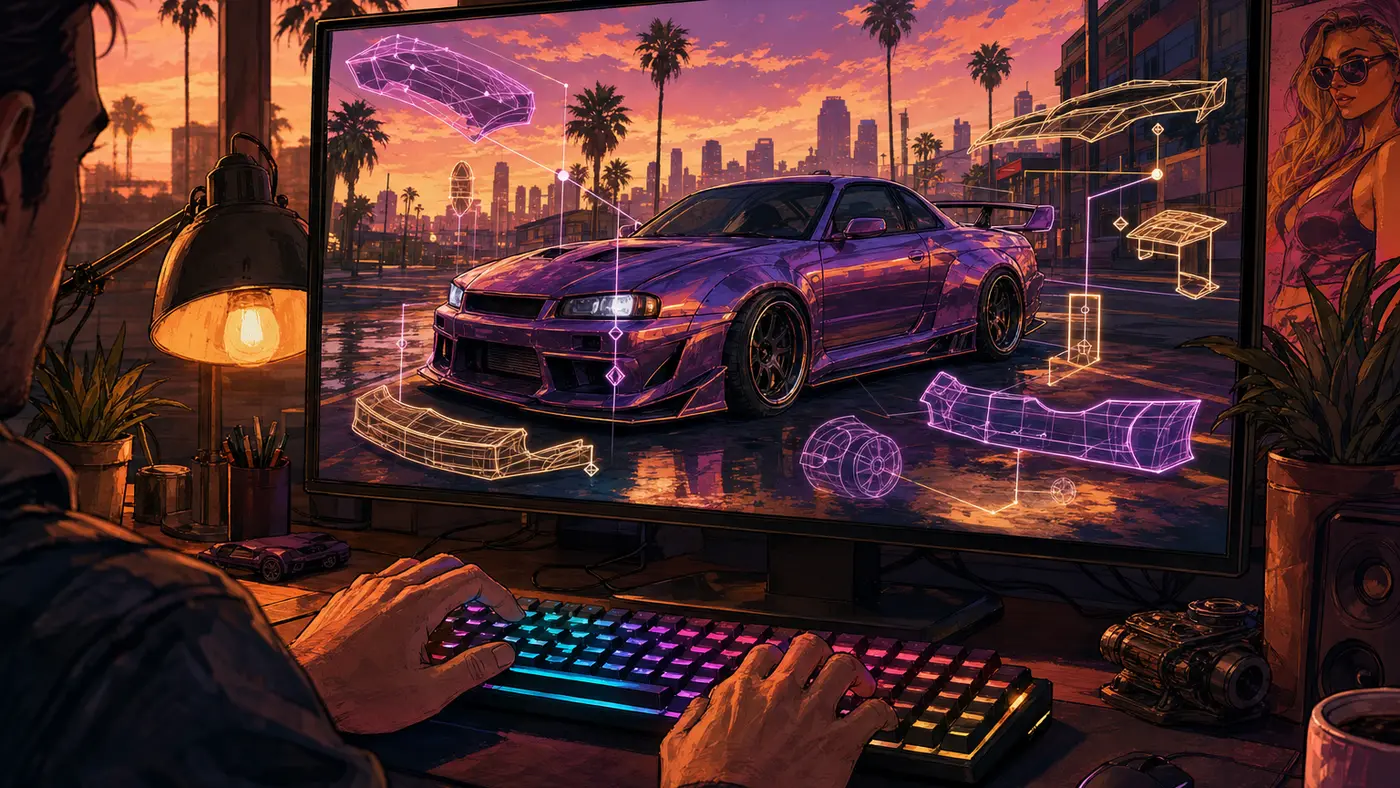
From there, add whatever you want: a script manager like a script loader, a graphics mod such as ENT or a ReShade preset, or popular community add-ons hosted on GTA5-Mods. At this stage, a mod is not a GTA 5 cheat code built into the game: it is an external file that you install yourself.
Installing a mod step by step
The basic procedure, on the current PC edition, comes down to six steps.
- Back up your game folder (or at least the archives you plan to modify). It is safety net number one.
- Install Script Hook V from its official source (dev-c.com): copy
ScriptHookV.dllanddinput8.dllinto the GTA V root folder. - Add Script Hook V .NET if the mod you want is a C#/.NET script, following its requirements.
- Install OpenIV, then enable the
modsfolder (ASI Manager / package install feature): OpenIV works on a copy, so your original files stay intact. - Drop in the mod: a script goes into the
scriptsfolder, while a vehicle or texture replacement is installed through OpenIV into themodsfolder. - Launch the game offline, in story mode, and check that everything loads before stacking more mods.
The reminder that saves accounts: never launch GTA Online with these files in place. And since modding only exists on PC, here is what the official arrival of this version looked like, the one that opened the door to the entire scene.
The OpenIV affair: why GTA V modding nearly died
Single-player modding was not always smooth sailing. On June 5, 2017, Take-Two sent a cease-and-desist to the OpenIV team, accusing it of making it possible to bypass the game’s protections. The developers first stopped distributing the tool, sparking a wave of community anger (a flood of negative reviews on Steam, a petition).
A few weeks later came the turnaround: Rockstar found common ground with its parent company and published the statement that still serves as the framework today. Tolerance for non-commercial single-player, a hard red line on anything touching multiplayer, online, or the importing of other intellectual property. OpenIV came back, and it is this compromise that explains why the GTA V mod scene has been so rich and stable ever since. It is one of the reasons, among others, that GTA V is still going strong since 2013.
Enhanced edition (2025): what changed for mods
On March 4, 2025, Rockstar shipped the Enhanced edition of GTA V on PC, as a free upgrade for owners of the game. On the menu: PC-exclusive ray tracing (ambient occlusion, global illumination), faster load times, and online content brought in line with the PS5 and Xbox Series versions.

For modders, this overhaul had a side effect: it broke part of the existing mod library, with some mods causing an immediate crash on launch. The community reacted fast, with versions of Script Hook V and its .NET extension built for Enhanced. The way to go today: use the Enhanced-stamped tools, keep your scripts up to date, and disable BattlEye from the launcher to play modded in story mode. The old version (renamed Legacy) is still available and more permissive for very old mods.
GTA V’s success, more than 225 million copies sold, is no stranger to the vitality of this scene: a massive player base, mature tools, and an official tolerance that survived 2017. One question remains for the future: will single-player modding have a place in the next installment? We dig into it in our feature on GTA 6 on PC.



Comments
Be the first to react.