
GTA V · Guide
GTA 5 Rockstar Editor: How to Make Your Own Movies
The GTA 5 Rockstar Editor explained: record, edit and export clips, plus Director Mode, cameras and depth of field. The complete 2026 guide.
Contents
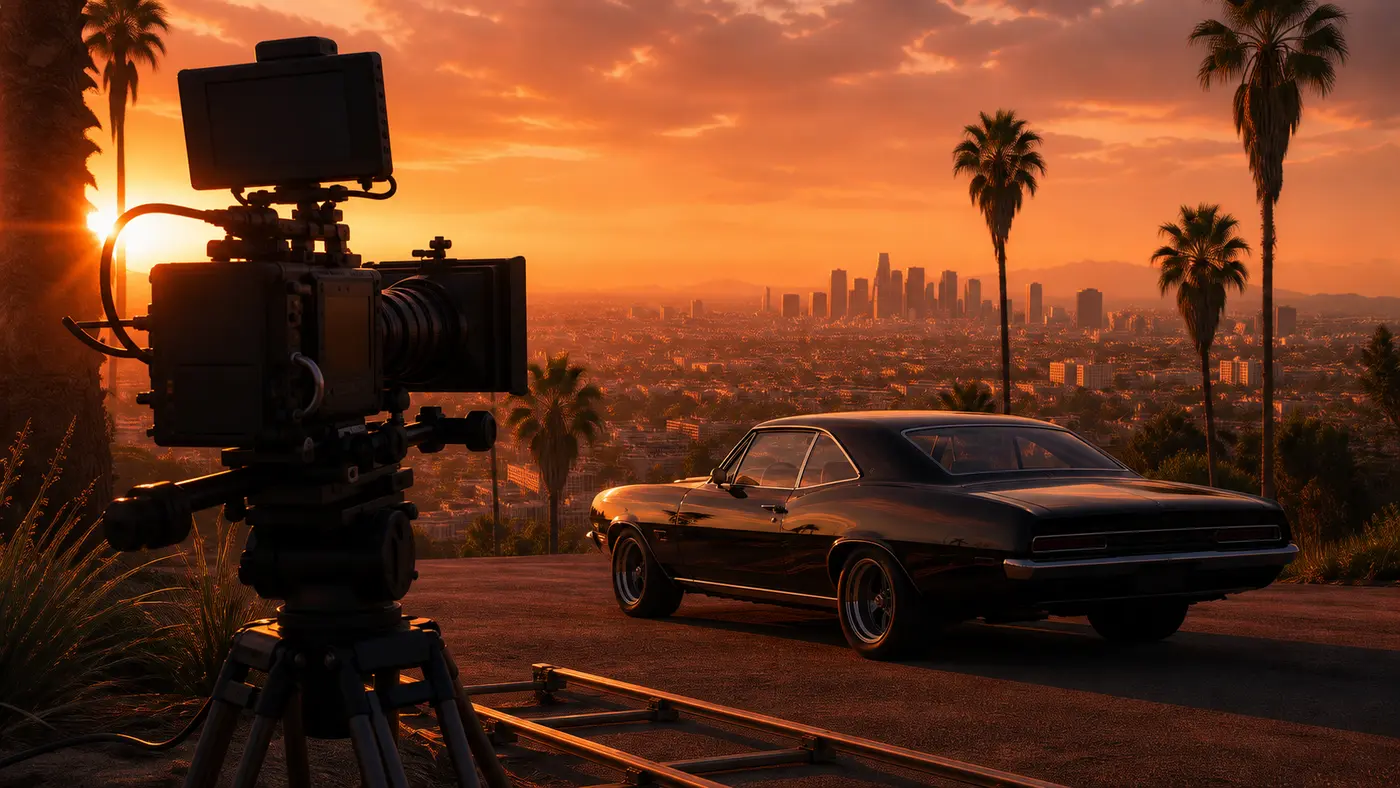
The Rockstar Editor is GTA 5’s hidden editing bay: a built-in tool that lets you record your scenes, cut them together on a timeline (camera angles, depth of field, slow motion, music) and export the result, all without ever leaving the game. Its Director Mode adds a full-blown film set, where you restage a sequence with story characters, pedestrians or even animals. Here’s how to master it from start to finish.
If you’ve ever watched a GTA short film on YouTube that looked like a real movie, a rap video shot in Los Santos or a stunt captured from six different angles, odds are it came out of this editor. With nearly 230 million copies sold, GTA 5 has fueled one of the biggest machinima scenes in gaming, and the Rockstar Editor is its quiet engine. The RAGE engine constantly records your gameplay into a buffer: the editor simply replays that scene and lets you reframe it however you like, which is why the image quality blows a basic screen capture out of the water.
What the Rockstar Editor is and where to find it
It’s an editing suite that ships with GTA 5’s Story Mode. You get to it from the Pause Menu, via the Rockstar Editor tab on the far right. The tool does three things: it builds a library of recorded clips, lets you assemble them on a timeline, then exports a finished film. One platform quirk worth knowing: the editor debuted on PC, with the version released on April 14, 2015, before being ported to consoles a few months later.
| Platform | Rockstar Editor | Since |
|---|---|---|
| PC (2015, then Enhanced in 2025) | Yes | April 14, 2015 |
| PS4 / Xbox One | Yes | September 15, 2015 (Freemode Events) |
| PS5 / Xbox Series X|S (Enhanced) | Yes | March 2022 |
| PS3 / Xbox 360 | No | never |
In other words, if you’re playing on an older-generation console (PS3, Xbox 360), the editor simply isn’t there for you. Everywhere else, including the PC Enhanced version handed out for free in 2025, you’ve got it.
Step 1: Record your footage
It all starts with your raw footage. GTA 5 offers two complementary recording methods, each triggered with a shortcut while you play.
| Mode | What it does | When to use it |
|---|---|---|
| Manual recording | Starts and stops capture on demand | Planned scenes, long takes, choreographed chases |
| Action Replay | Buffers gameplay in the background, saves after the fact | Catching an unplanned moment: a spectacular crash, a perfectly landed stunt |
Action Replay is the savvy machinima maker’s secret weapon: the game keeps what just happened in a buffer, and you decide whether to save it once the action is over. No more “if only I’d hit record.” A three-car pileup, a slow-motion bike wipeout, a flawless rollover: you can grab all of it after the fact.
Step 2: Director Mode, your film set
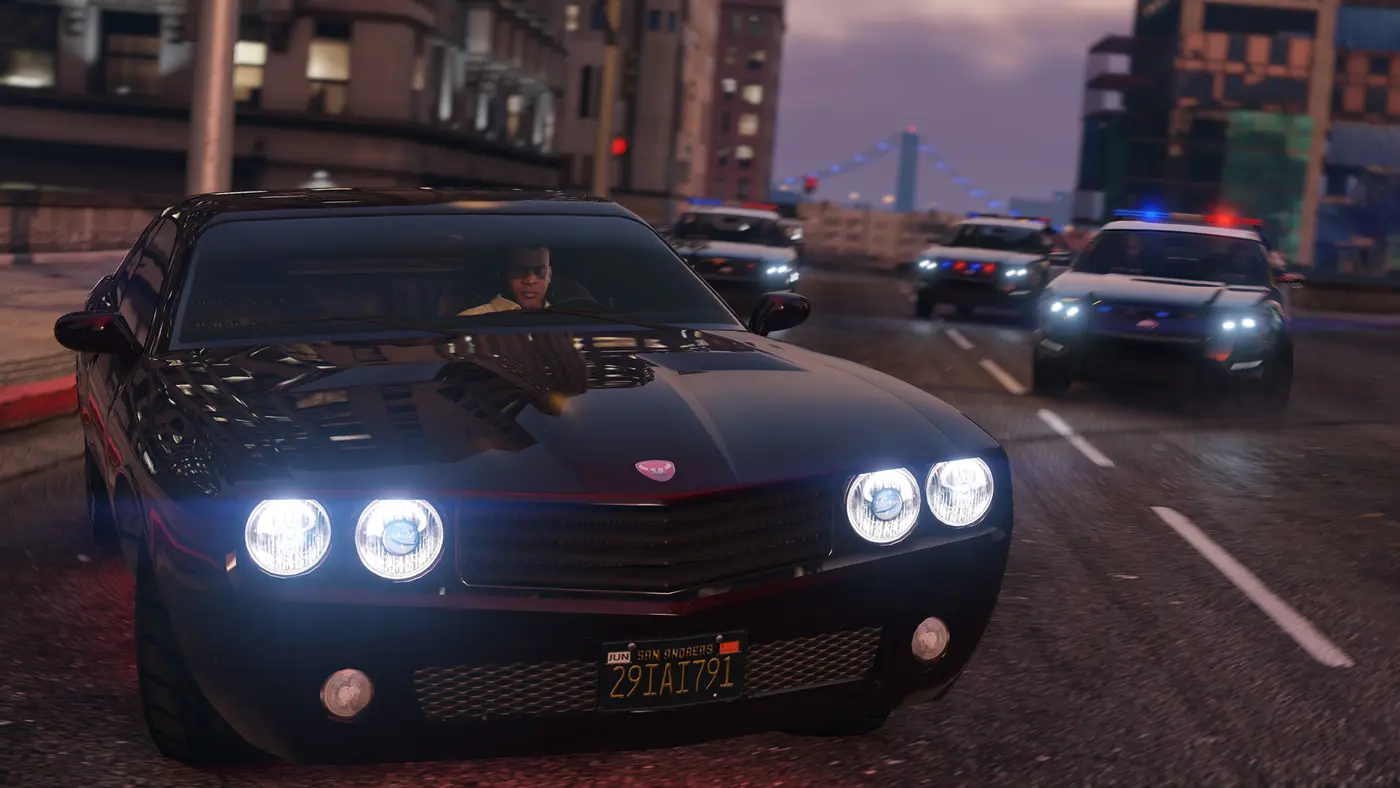
This is the feature that sets the Rockstar Editor apart from a glorified VCR. Director Mode drops you into a free-roam version of the map where you can play as whoever you want: the three Story Mode protagonists, but also a huge roster of supporting characters, everyday pedestrians and even animals, adding up to hundreds of playable models according to GTABase. You set the time of day, the weather, your wanted level and invincibility, then you get the scene in the can.
You can reach it from the Pause Menu (Rockstar Editor tab, then Director Mode) or, faster, from the Interaction Menu under Director Options. The only catch: you need to have finished the prologue and played at least one mission, otherwise the menu stays locked. Keep in mind that Director Mode only runs in single-player, not in a GTA Online session.
Step 3: Edit on the timeline
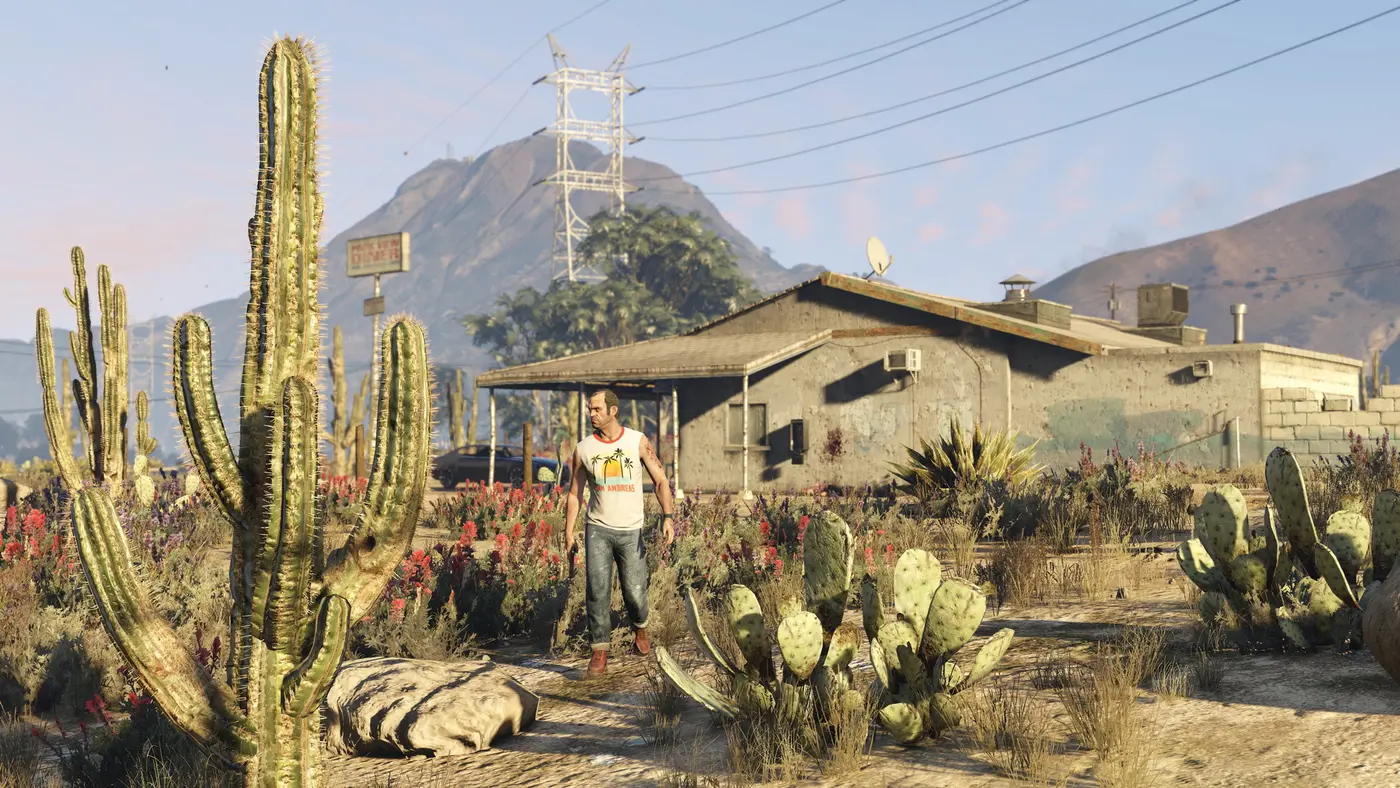
Once you’ve gathered your clips, it’s off to the timeline. You line up your sequences end to end, then sculpt them shot by shot using markers placed along the track. At each marker, you can switch camera angles, adjust depth of field (focus type, intensity, tracked subject), go slow motion or speed things up, and layer on filters and overlay effects. That frame-by-frame control is what gives your footage its cinematic look: a wide shot of the bay, a close-up on a face, a tracking shot along a car’s bodywork, all cut together cleanly.
Step 4: Sound, the real secret weapon
Plenty of creators phone in the audio, and that’s a mistake. The Rockstar Editor includes GTA 5’s original score, with five intensity levels you can switch between as you edit to build tension exactly where you need it. Throw in a library of ambient sounds and effects (rain, city noise, car horns, explosions) plus the game’s radio stations, and you can dress up your scene without ever opening outside software. Mixed well, this turns a basic chase into a tightly paced action sequence.
Step 5: Export and share in 2026
This is where things have changed. Originally, you could publish your film to YouTube or the Rockstar Games Social Club with a single click. But the Social Club shut down on July 15, 2025, and direct in-game uploads had already disappeared before then. In 2026, the process is more hands-on: on PC, the editor exports your clip to a local folder on your hard drive, ready to be re-edited or uploaded manually; on console, you capture the output through the system’s sharing features or a capture card. It’s less convenient, but the end result is the same: a clean, high-definition video ready for your channel.
One last thing worth pointing out: the Rockstar Editor never got a successor. Red Dead Redemption 2, released three years later, went without one, leaving the machinima community wanting more and a PC mod (Director’s Creator Suite) trying to recreate the tool. All the more reason to make the most of GTA 5’s editor while it’s still around.
Want to take your creations further? Check out our roundup of the best GTA 5 mods to push the visuals, our guide to getting started in GTA Online and our deep dive on why GTA 5 still holds up in 2026. And if you’re wondering what Rockstar has in store for image capture going forward, head over to our breakdown of GTA 6’s photo mode.
FAQ
Is the Rockstar Editor available on PS5 and Xbox Series X|S?
Yes. The Rockstar Editor and its Director Mode are part of GTA 5's Story Mode on PS5, Xbox Series X|S and PC, Enhanced versions included. It never existed on PS3 or Xbox 360, though: it was added to the PS4 and Xbox One versions in September 2015, as content exclusive to what was then the enhanced edition of the game.
How do you start Director Mode in GTA 5?
There are two ways in. From Story Mode, open the Pause Menu, go to the Rockstar Editor tab on the far right, then pick Director Mode. The faster route: open the Interaction Menu and select Director Options. You need to have finished the prologue and played at least one mission to unlock it; owning GTA Online on its own isn't enough.
Can you still upload videos to the Social Club?
No. The Rockstar Games Social Club shut down on July 15, 2025, and direct in-game uploads to the Social Club or YouTube had already been removed before that. In 2026, PC players export clips to a local folder on their hard drive, while console players grab the video through the system's built-in sharing features or a capture card.
Is there a Rockstar Editor in RDR2 or GTA 6?
Red Dead Redemption 2 never got an official Rockstar Editor, much to the machinima community's frustration; only a PC mod (Director's Creator Suite) tries to fill the gap. As for GTA 6, Rockstar hasn't confirmed anything on the video editing front as of this writing.
Does the Rockstar Editor work in GTA Online?
You can record clips during a GTA Online session and edit them later in the editor. Director Mode, however, only launches from single-player Story Mode: that's where you stage characters, sets and weather.
Now it's your turn to call action. Alfred, GTA Zone.
Sources
- Confirmed Rockstar Games (Newswire): official introduction of the Rockstar Editor, a tool for recording, editing and sharing GTA V videos (Story Mode and GTA Online), available on PC at launch on April 14, 2015, with cameras, filters, depth of field, audio options and Director Mode
- Confirmed PlayStation Blog: the Freemode Events Update arrives September 15, 2015 and adds the Rockstar Editor to the PS4 and Xbox One versions, with an ambient sound library, Snapmatic integration and Director Mode improvements
- Reported GTABase: guide to the Rockstar Editor and Director Mode, covering manual recording and Action Replay, the timeline, shot editing (cameras, depth of field, slow motion) and the Director Mode cast of characters
- Reported GTA BOOM: complete guide to GTA 5's Director Mode, with the ways to access it (Pause Menu, Rockstar Editor tab, or Interaction Menu) and the requirement to have progressed in Story Mode
- Reported Insider Gaming: the Rockstar Games Social Club shut down on July 15, 2025, removing profiles, walls, photo sharing and video uploads after more than thirteen years of service
- Reported GamingBible: Red Dead Redemption 2 never had an official Rockstar Editor; a PC mod, Director's Creator Suite, recreates some of its features for content creators
- Reported Wikipedia (Take-Two figures): GTA 5 has sold nearly 230 million copies, making it one of the best-selling games of all time, which explains the size of its machinima scene
About the author
Alfred from GTA Zone
Alfred is the byline of GTA Zone, written and checked by the newsroom. Every fact is sourced and labeled Confirmed, Reported or Rumor, and every page is updated when the story moves.
Comments
Be the first to react.