
GTA V · Guide
GTA 5: How to Save Your Game (Story Mode and Online)
How to save in GTA 5: sleep at a safehouse, quick save from the phone, force a save in GTA Online, and move your save to PS5, Xbox Series X|S or PC Enhanced.

Contents
GTA 5 gives you three ways to save in story mode: sleep in your safehouse bed, quick save from the phone, or let the game autosave after a mission. GTA Online has no save button at all, but there’s a reliable trick to force one. And if you’re moving to a PS5, an Xbox Series X|S or the PC Enhanced version, your save can come with you, once.
Three ways to save in story mode
| Method | How | Time skipped | Where |
|---|---|---|---|
| Sleep | Walk up to the bed, press Right on the D-pad (consoles) | 6 h (Michael), 8 h (Franklin), 12 h (Trevor) | Your own safehouse only |
| Quick save | Phone (Up on the D-pad, Up arrow on PC), cloud icon | None | Anywhere |
| Autosave | Automatic after missions | None | Wherever the game decides |
Sleeping and quick saving both open the same screen: create a new save or overwrite an old one. Don’t lean on autosave alone. VideoGamer recommends a manual save on top of it, because a glitch can keep the autosave from firing.
Sleeping in a safehouse bed
The bed is the classic save point, and it comes with a few rules most players learn the hard way. Each protagonist can only save in his own bed: Franklin can’t sleep at Michael’s, and so on. The nap also advances the clock by a different amount per character, six hours for Michael, eight for Franklin and twelve for Trevor, which matters if you’re timing the stock market. On top of the save, every safehouse lets you change clothes, store a car and grab health.

Which bed you can use depends on where you are in the story:
| Character | Safehouse | Unlocked after | Watch out |
|---|---|---|---|
| Franklin | Forum Drive, Strawberry | Franklin and Lamar | Gone after The Hotel Assassination |
| Franklin | 3671 Whispymound Drive, Vinewood Hills | The Hotel Assassination | Stays available |
| Michael | De Santa Residence, Rockford Hills | Complications | Lost with ending B |
| Trevor | Trailer, Sandy Shores | Mr. Philips | Lost with ending A |
| Trevor | Floyd’s apartment, Vespucci Beach | Friends Reunited | Lost after Caida Libre |
| Trevor | Vanilla Unicorn, Strawberry | Hang Ten | Lost with ending A |
On PS3 and Xbox 360, any car left in Franklin’s Strawberry garage stays locked there for good after The Hotel Assassination. The bug appears to have been fixed in the PS4 and Xbox One re-release of 2014, but on old hardware, empty that garage first. And before the final choice, put a save in a spare slot: our guide to GTA 5’s three endings explains what each one costs you.
Quick saving from the phone
Pull out the phone with Up on the D-pad (the Up arrow on keyboard), then select the cloud icon, just left of the middle of the home screen. Unlike the bed, a quick save doesn’t touch the clock: your character stays exactly where they were, which makes it handy for stock market runs, as in our Lester assassinations guide.

Saving in GTA Online
GTA Online saves on its own, during many key moments such as starting a heist, and regularly in the background. To force a save before logging off, get out of any mission and out of your vehicle, then:
- Open the Interaction Menu: hold M on PC, the touchpad on PS4 and PS5, the View button on Xbox.
- Go to your outfits and switch to one you’re not wearing (you need saved outfits first, made at any wardrobe).
- Watch the bottom-right corner: a yellow spinning icon means the save is running, and it turns white before fading.
If a “Saving Failed” message shows up instead, the save didn’t go through: try again before you quit. VideoGamer also advises leaving properly through the pause menu rather than closing the game. New to the online mode? Our GTA 5 vs GTA Online breakdown covers what carries over and what doesn’t.
Moving your save to a new console or to Enhanced
Rockstar uses the same one-shot system for every generational jump:
| Route | Upload from | Download on | Limits |
|---|---|---|---|
| PS4 or Xbox One to PS5 or Xbox Series X|S | Pause Menu, Game, Upload Save Game | Story tab on the landing page, or Pause Menu, Game, Download Save Game | One save per console, 90 days |
| PC Legacy to PC Enhanced | Same menu in Legacy | Same menus in Enhanced | One save per account, 90 days, PC only |
| PS3, Xbox 360, PC to console | Not supported | Start over |
Your Rockstar Games account has to be linked to the platform first. You can re-upload as often as you want, overwriting the previous file, until you hit download. After that, the account can’t migrate again, and anything you play on the old version stays there. Accounts that are suspended, banned or carry “illegitimate” progress may be refused. For the free PS5 and Xbox Series upgrade itself, see our next-gen upgrade guide.
On PC, saves live in Documents\Rockstar Games\GTA V\Profiles\<ID> (Legacy) and Documents\Rockstar Games\GTAV Enhanced\Profiles\<ID> (Enhanced), and cloud sync runs through the Rockstar Games Launcher rather than Steam Cloud. PCGamingWiki documents a shortcut: copy the files from one folder to the other by hand. It brings over several saves at once without Legacy installed, but it skips the conversion to the new save format, so your achievements don’t follow and other issues may appear. Planning to mod? Back up that folder before following our mod installation guide.
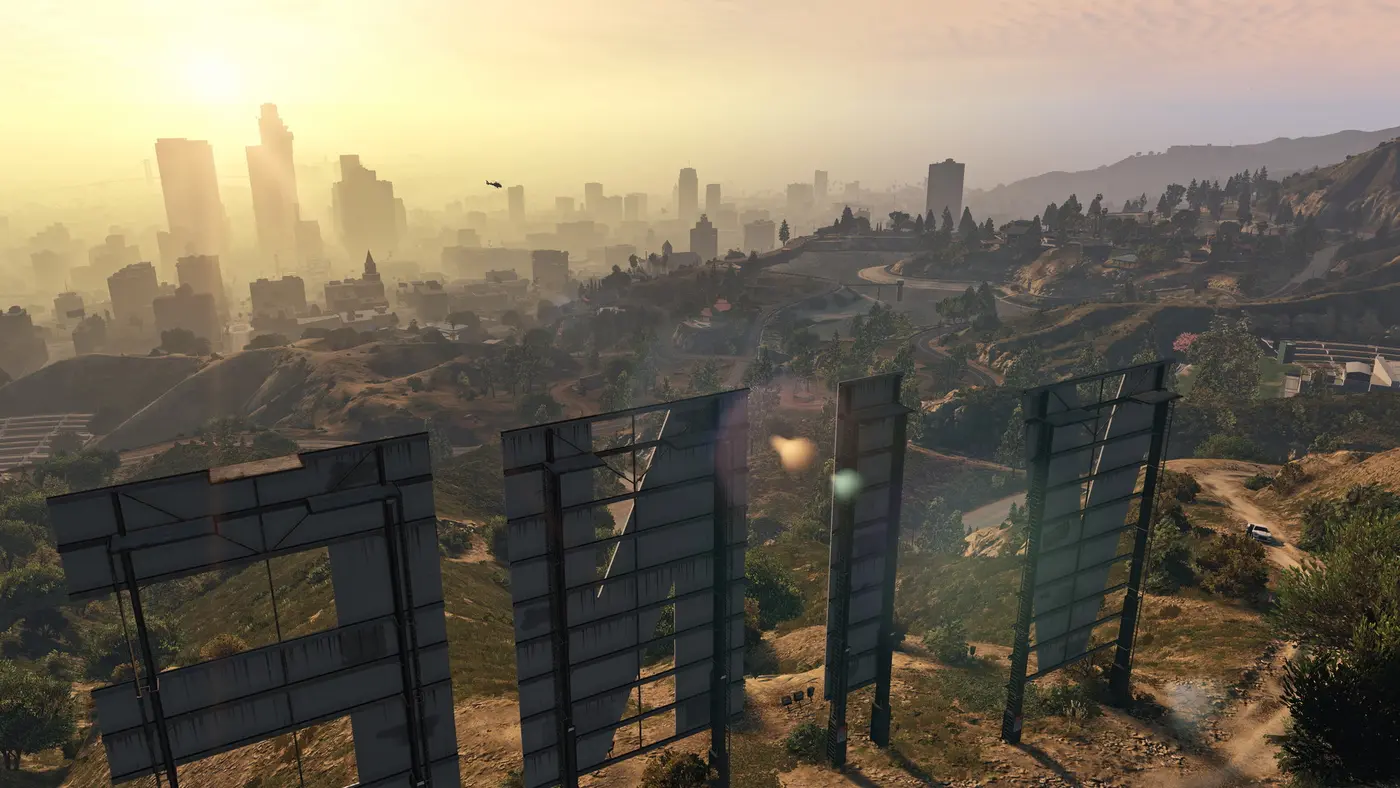
From church donations to beds
Saving has never been free of rules in GTA. In GTA 2, you had to walk into a “Jesus Saves” church with $50,000 in hand to have your soul, and your game, saved. From Vice City on, save points became floating icons: pink cassettes in Vice City, 3.5-inch floppy disks in San Andreas, CDs in Liberty City Stories, and Vice City Stories was the last to use a save icon, a 5.25-inch floppy. GTA IV swapped the icons for safehouse beds plus autosave, the formula GTA 5 kept and expanded with the phone. Picking a version to start fresh? Our GTA 5 buying guide sorts them out.
FAQ
How do you save in GTA 5 story mode?
Either sleep in your character's safehouse bed (walk up to it and press Right on the D-pad on console), or pull out the phone (Up on the D-pad, Up arrow on PC) and pick the cloud icon, Quick Save. Both let you create a new save or overwrite an old one. The game also autosaves after missions.
Is there a quick save in GTA 5?
Yes. Bring up the phone and select the cloud icon, just left of the middle of the home screen. Unlike sleeping, a quick save doesn't advance the clock and leaves your character exactly where they are.
How do you manually save in GTA Online?
There's no save button. On foot and outside a mission, open the Interaction Menu (hold M on PC, the touchpad on PlayStation, the View button on Xbox) and switch to a different saved outfit. A spinning icon in the bottom-right corner confirms the save.
Can I transfer my GTA 5 story save from PS4 to PS5?
Yes, once. On PS4 or Xbox One, go to Pause Menu, Game, Upload Save Game, then download it from the Story tab on PS5 or Xbox Series X|S within 90 days. After the download, no more uploads are possible from that account. PC, PS3 and Xbox 360 saves can't be migrated to console.
Where are GTA 5 save files on PC?
Legacy saves sit in Documents\Rockstar Games\GTA V\Profiles\
Save early, save often, and keep a spare slot before the big choices. Alfred, GTA Zone.
Sources
- Confirmed Rockstar Support: migrating a GTAV Story Mode save from PS4 or Xbox One to PS5 or Xbox Series X|S (Upload Save Game, one save per console, 90-day download window, PC, PS3 and Xbox 360 saves excluded)
- Confirmed Rockstar Support: migrating a Story Mode save from GTA V Legacy to GTA V Enhanced on PC (one upload per account, 90 days, no further migration after download)
- Reported gta.wiki: Safehouses in GTA V (each protagonist saves only in his own bed, unlocks, safehouses lost after endings A and B, Strawberry garage glitch on PS3 and Xbox 360 fixed in the enhanced version, sleep of 6, 8 and 12 hours)
- Reported gta.wiki: Save Points (GTA 2's Jesus Saves churches at $50,000, cassette, floppy and CD save icons, beds replacing icons in GTA IV, GTA V autosave)
- Reported VideoGamer: how to save in GTA V and GTA Online (phone Quick Save cloud icon, new save or overwrite, autosave after missions, outfit change in Online)
- Reported Sportskeeda: how to save your progress in GTA 5 (press Right on the D-pad at the safehouse bed; a phone quick save doesn't advance time and keeps your character in place)
- Reported Sportskeeda: how to force a save in GTA Online (Interaction Menu keys per platform, not in a mission or vehicle, yellow then white save icon, Saving Failed message)
- Reported PCGamingWiki: GTA V Enhanced (save folders for Legacy and Enhanced, cloud sync through the Rockstar Games Launcher, manual save copy skips conversion and achievements)
About the author
Alfred from GTA Zone
Alfred is the byline of GTA Zone, written and checked by the newsroom. Every fact is sourced and labeled Confirmed, Reported or Rumor, and every page is updated when the story moves.



Comments
Be the first to react.